Customer Success Stories
Discover how customers across industries increase agility, optimize costs, and accelerate innovation using AWS
How Sony Group builds its AI future on AWS
Sony Group has a singular purpose: to fill the world with emotion through creativity and technology. Since its founding in 1946, the company has reinvented itself through every major technological revolution — from electronics to entertainment, gaming, and imaging. Now, Sony is leading its boldest transformation yet, democratizing AI across global business units and driving operational efficiency organization-wide.

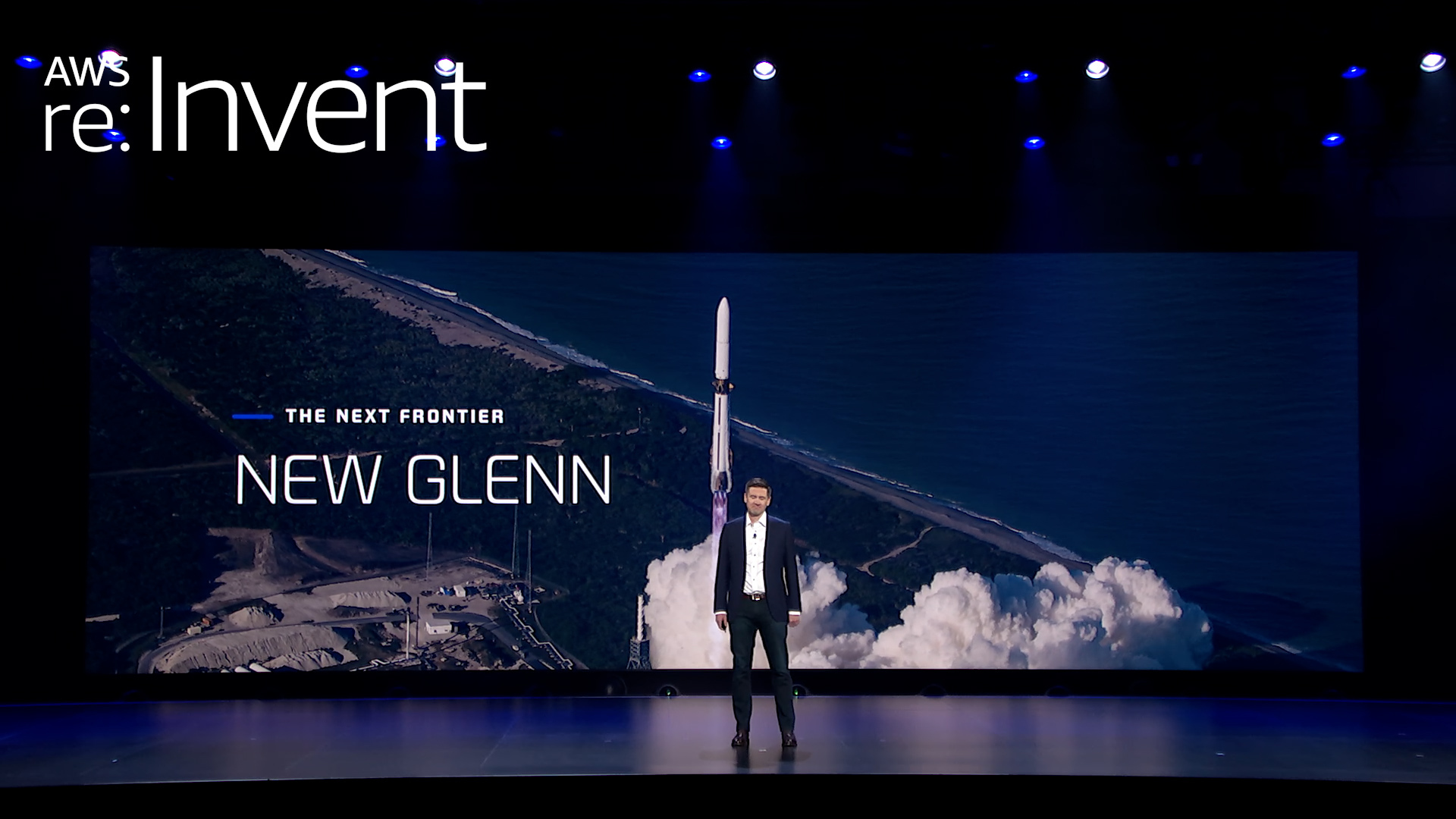
How Blue Origin Built the First AI Agent-Designed Hardware for the Moon in Days, Not Years
At Blue Origin, the mission is existential: to build a road to space, enabling millions of people to live and work beyond Earth. And getting there is literal rocket science, and beyond. It's about moving faster than the speed traditional aerospace development allows. That means rethinking how engineering teams work — and teaming up with AWS to build tools that turn specialized expertise into scalable AI workflows. One recent breakthrough: TEAREx (Thermal Energy Advanced Regolith Extraction), the first AI agent-designed hardware, built to operate on the lunar surface, developed from concept to 3D-printed part in days, using AWS.
Pinterest pushes boundaries of AI-powered discovery using AWS
Pinterest transformed from an idea-sharing startup into one of the world's most sophisticated AI-powered discovery engines, serving 600 million monthly users who explore, share, and shop. What makes this journey remarkable isn't just the evolution of scale—it's how Pinterest has reimagined what social media can be, proving that generative AI can be used responsibly to drive positive user experiences alongside massive growth and profitability.
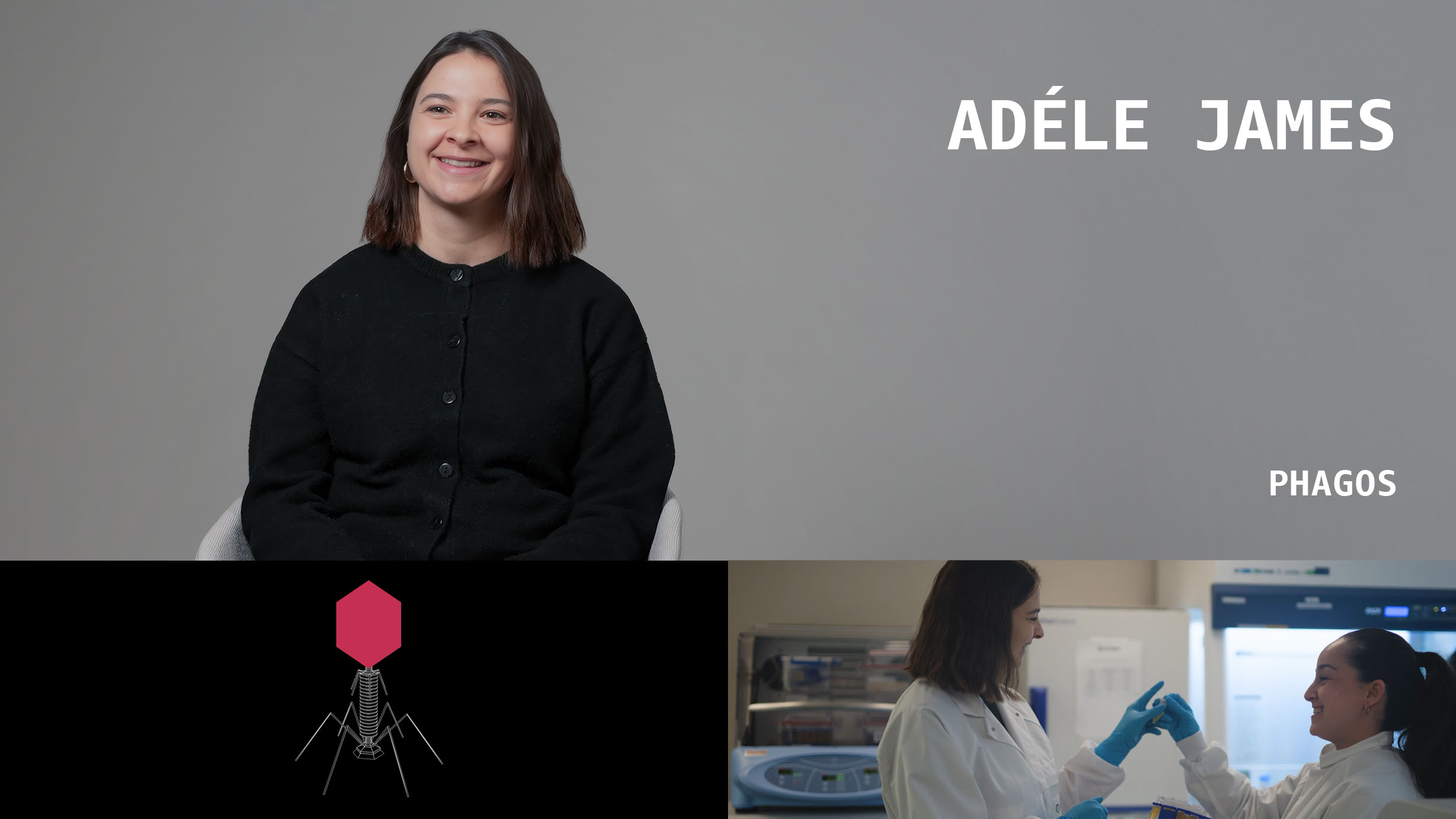
Phagos is using generative AI to change the way infectious diseases are treated
Phagos has a remarkable mission: to end bacterial disease. Today, Phagos is turning that vision into reality by harnessing bacteriophages, nature's bacteria-killing viruses, to cure infectious disease. Bacteriophages, or phages, are the natural regulators of bacteria. In an era of rising antibiotic resistance, there is an urgent need for this new antibacterial solution. AWS technologies allow Phagos to decode massive genomic datasets to develop these customized treatments in just two months, compared to the 10+ years that traditional antibiotic development requires.
Featured Case Studies across industries



Browse Top Customer Stories








Benefits
- of active customers every month.
- 1,000,000+
- startups have used AWS to bring their ideas to life.
- 330,000+
More customer stories


Did you find what you were looking for today?
Let us know so we can improve the quality of the content on our pages