- Agentic AI
- Amazon Quick
- Spaces
Amazon Quick spaces
Organize a collection of related data sources in one place and share them with your team in Quick
What are Quick spaces?
The spaces capability in Quick allows you to create a collection of data and resources for your particular team. You can use spaces to simply upload and organize files, dashboards, topics, knowledge bases, and application actions into a unified and customizable knowledge center for your team, that enables highly contextual conversations and is designed to scale across personal, team, and cross-team use cases. Multiple people on the team can contribute to the knowledge inside a space streamlining information discovery.
Choose from different knowledge sources
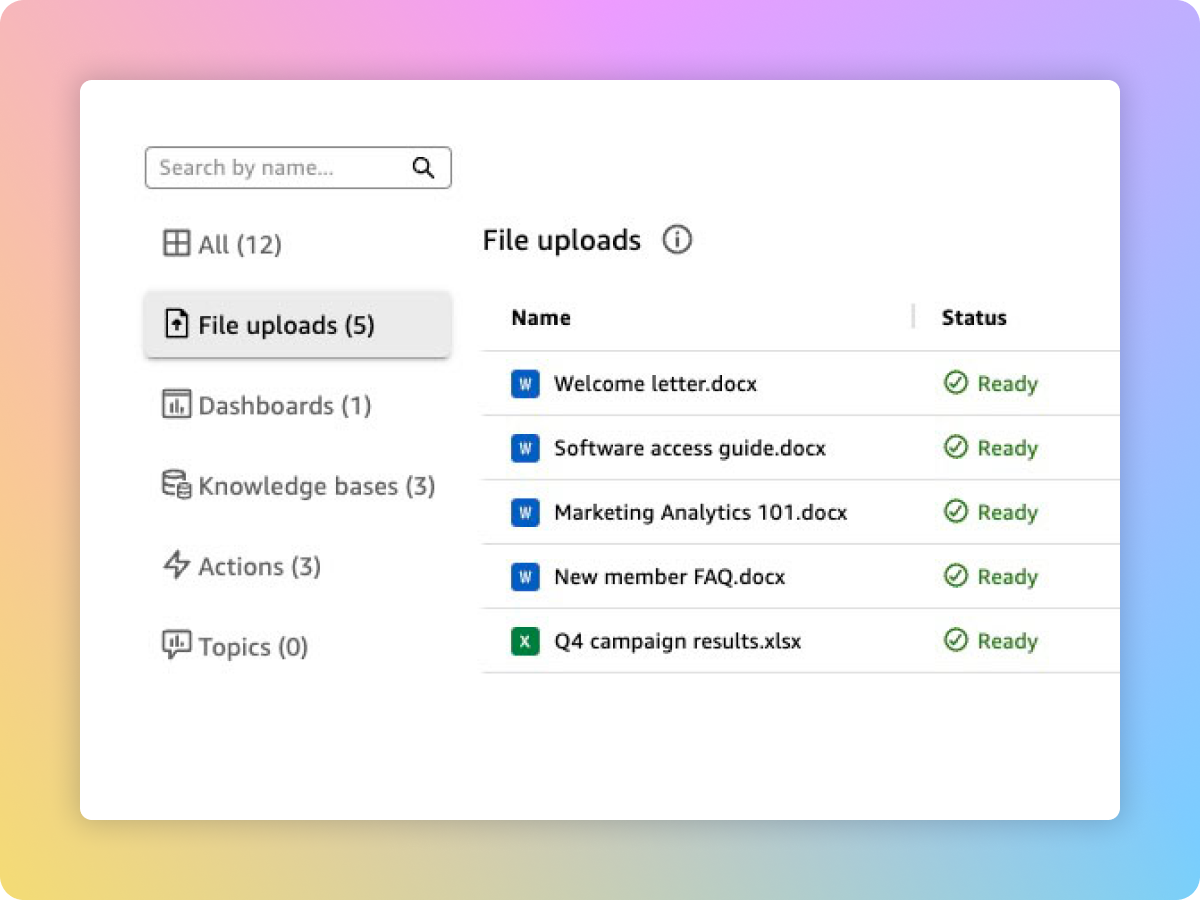
Upload a file of your choice
Simply upload a file of your choice from your computer with a few clicks and add it to your team’s space.
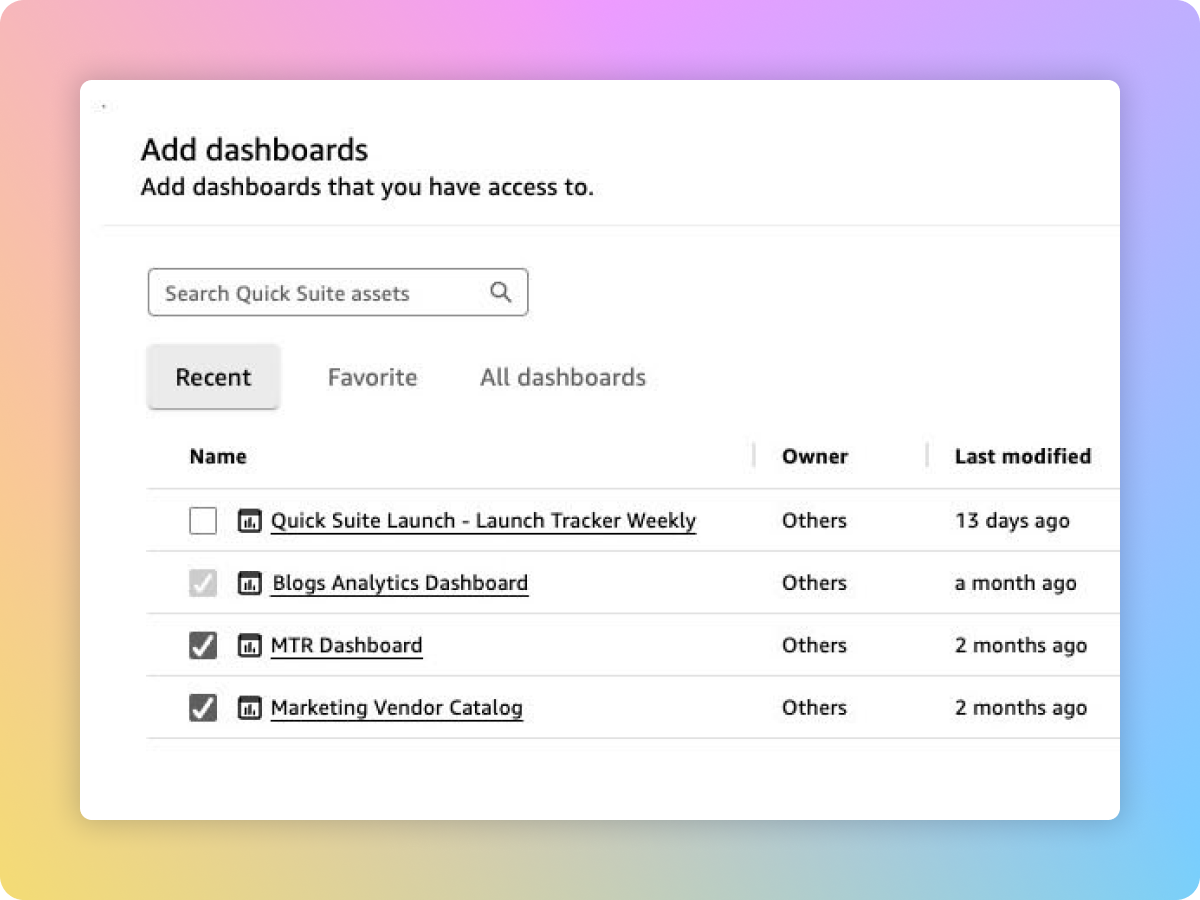
Add a dashboard
Add an existing Quick Sight dashboard to access the dashboard data within the space.
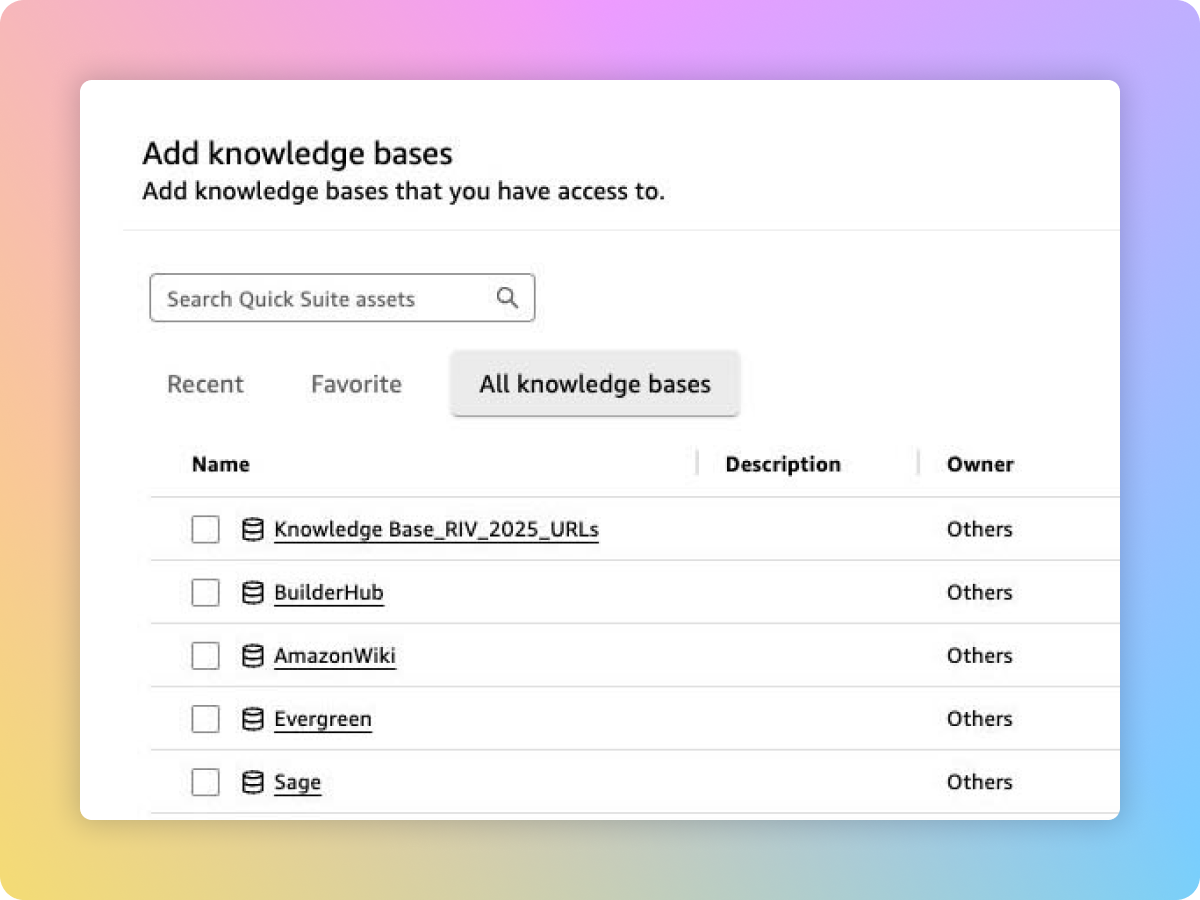
Add a knowledge base
A knowledge base refers to an application that serves as a content repository. You can add pre-existing knowledge bases to sync data periodically to the space, such as OneDrive or Google Drive.
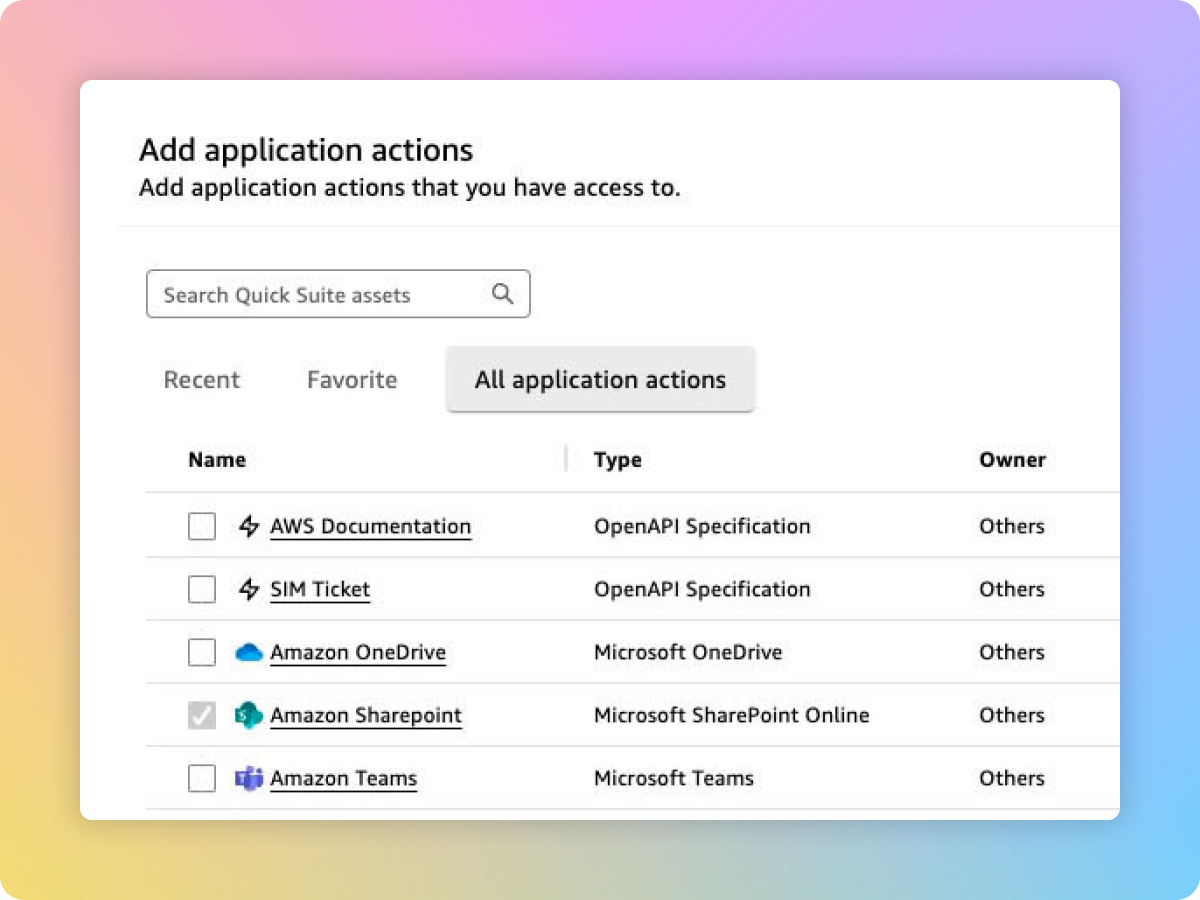
Connect to any action in a third-party application
Actions are tasks that can be performed in external applications from within Quick. You can simply add an existing action in popular third-party applications to your space, such as adding a task in Asana or summarizing tickets from ServiceNow.
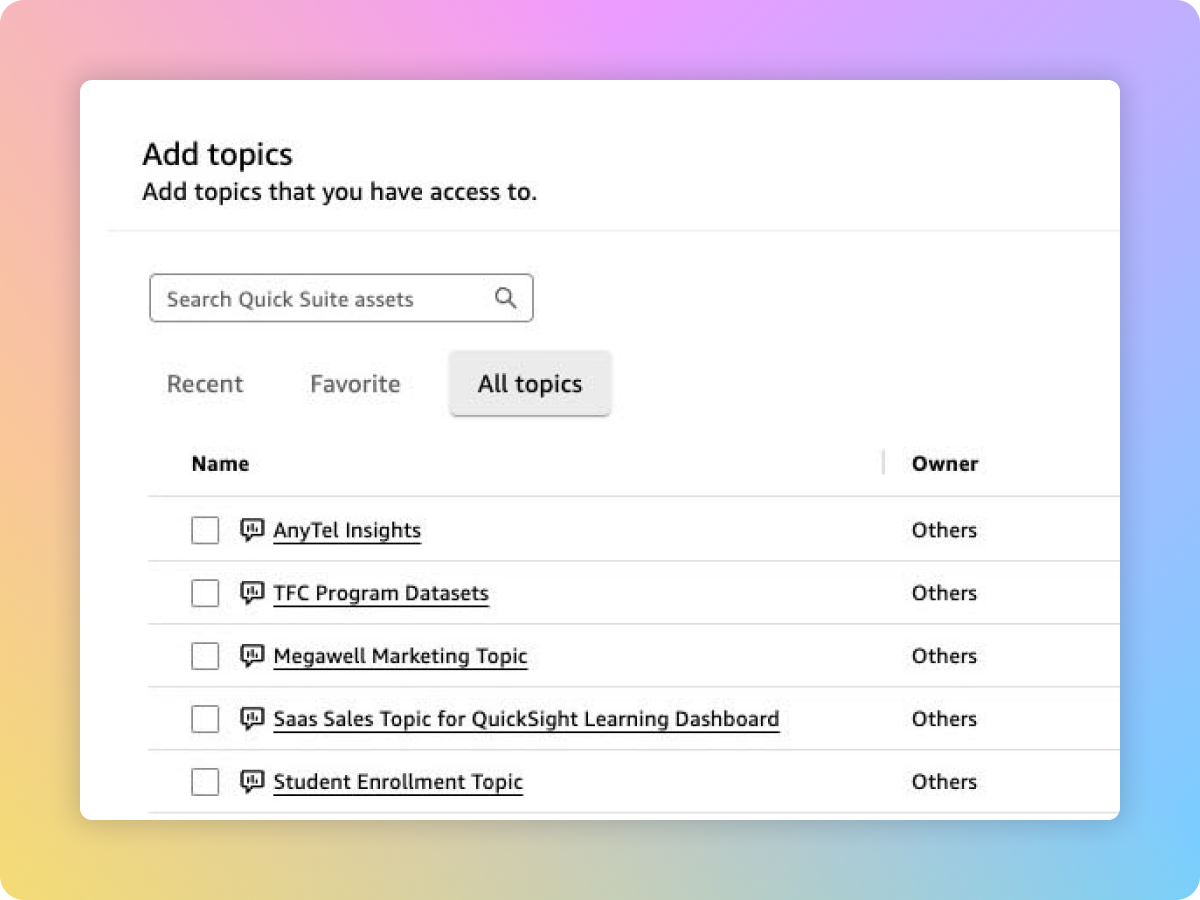
Add topics to fetch specific BI data
Topics are collections of one or more existing Quick Sight datasets that represent a subject area you can ask questions about. Simply add topics to your space to fetch specific business intelligence datasets.
Did you find what you were looking for today?
Let us know so we can improve the quality of the content on our pages