AWS Systems Manager features
Availability change notice
AWS Systems Manager Change Manager is no longer be open to new customers. For more information on alternatives, see our documentation page.
Why AWS Systems Manager?
Why AWS Systems Manager?
AWS Systems Manager helps you scale operational efficiency by simplifying node management, making it easier to manage nodes running anywhere— whether it's EC2 instances, hybrid servers, or servers running in a multicloud environment. Systems Manager offers comprehensive visibility and control across your entire infrastructure, including across AWS accounts, Regions, and AWS Organizations. You can see a demo for the AWS Systems manager experience here.
See all managed and unmanaged nodes
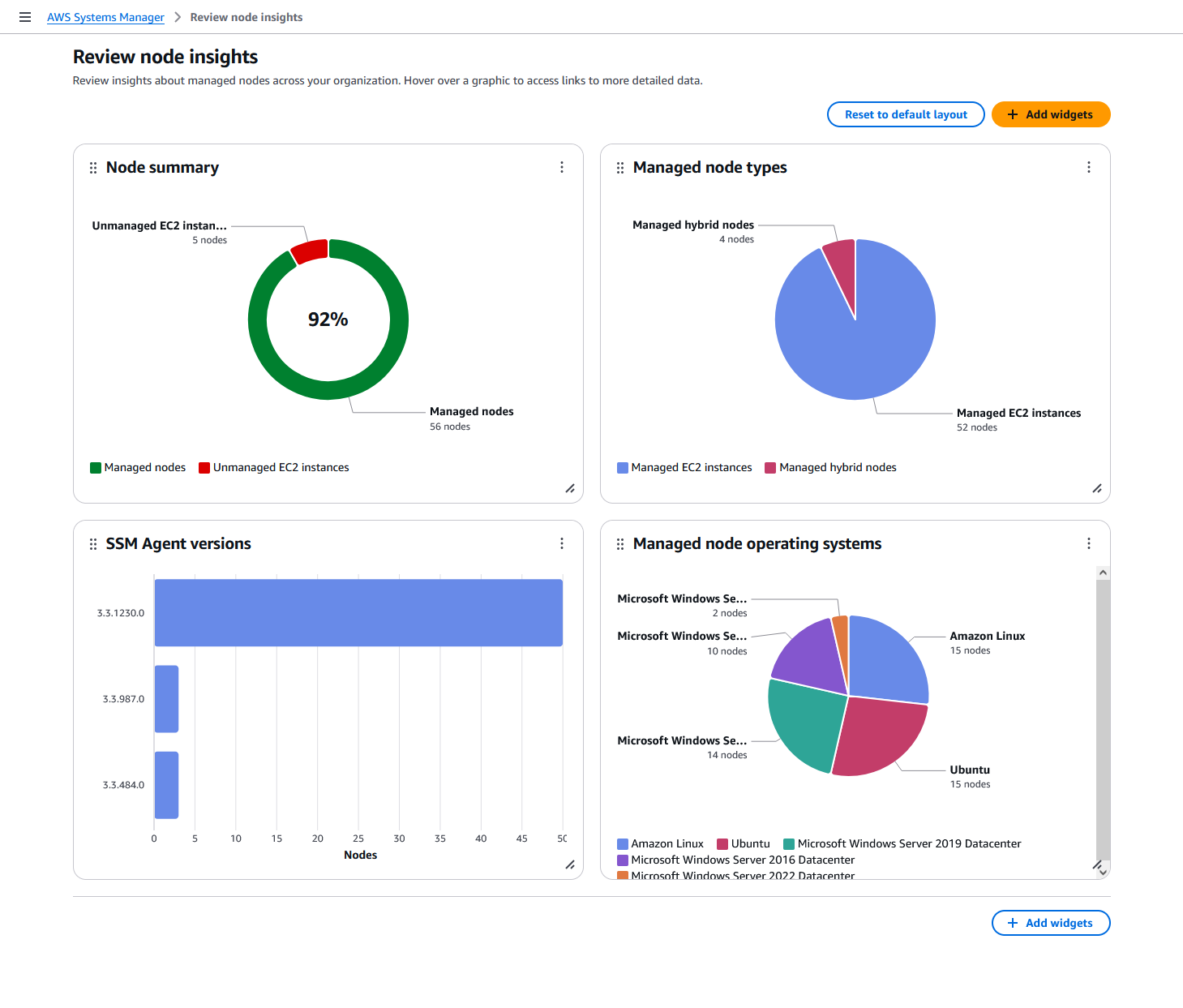
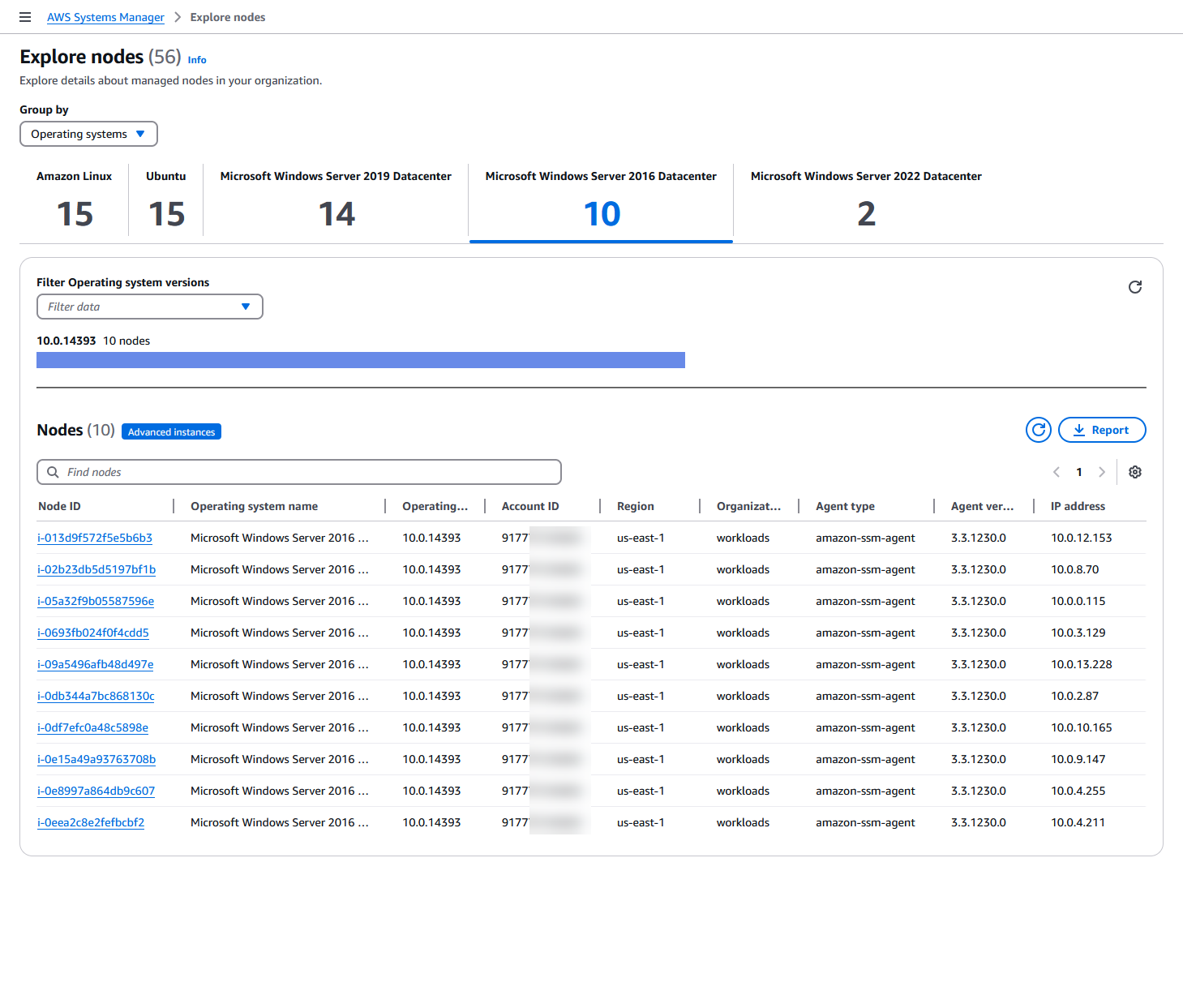
AWS Systems Manager enhances visibility to easily see managed and unmanaged nodes in environments across their organizations’ AWS accounts and Regions— all in one place by using a delegated administrator account. Once unmanaged nodes are remediated, meaning they are managed by Systems Manager, you can leverage the full suite of Systems Manager tools to perform operational tasks. You can also quickly gain a comprehensive understanding of node information such as instance ID, name, OS name and version, agents installed, and tags for improved operational efficiency.
Patch nodes at scale
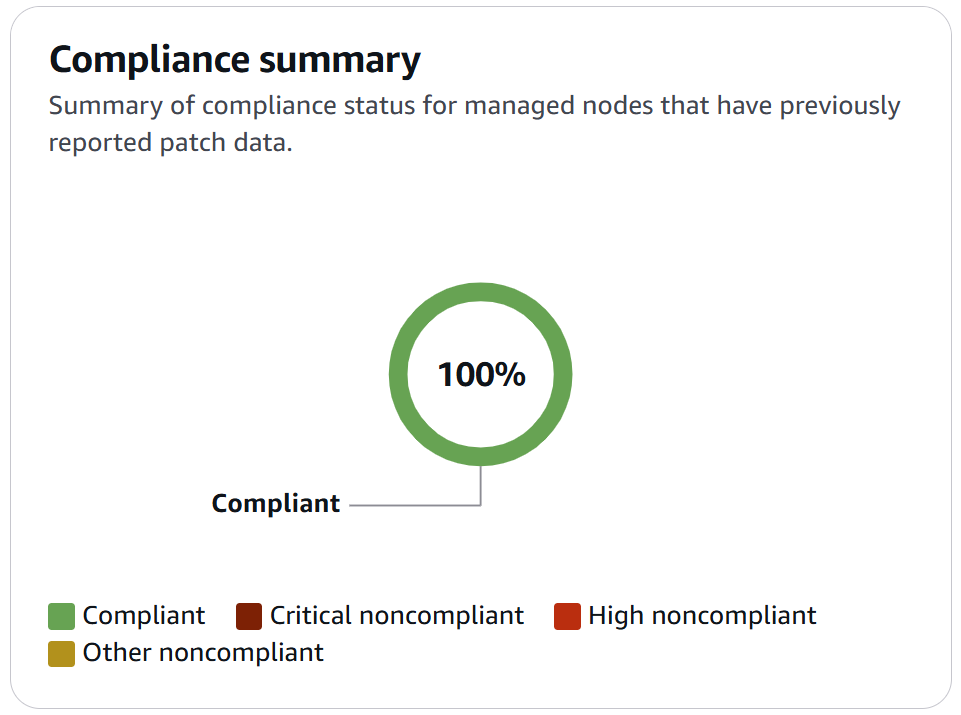
Once nodes are managed, you can run operational tasks such as patching. You can automate operating system and software patching across cloud, on-premises, and across AWS accounts and Regions. Using patch baselines, you can auto-approve certain patch categories and override rules. You can also schedule maintenance windows for patching. Systems Manager helps you update software and is patch compliant.
Automate tasks
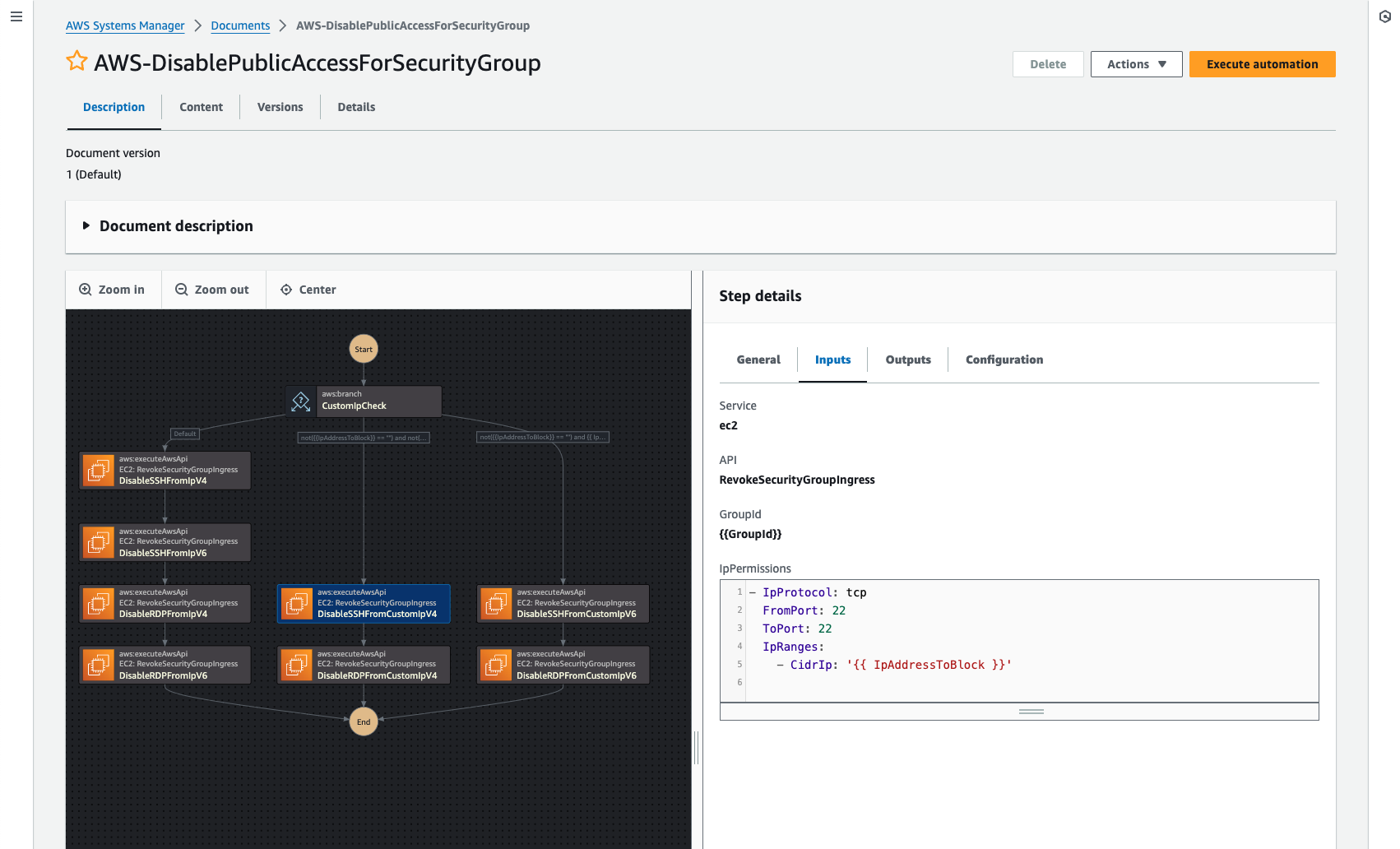
AWS Systems Manager provides you safe, secure remote management of your nodes at scale without logging into your servers, replacing the need for bastion hosts, SSH, or remote PowerShell. It provides a simple way of automating common operational tasks across groups of nodes such as registry edits, user management, and software and patch installations.
Simplify node management
AWS Systems Manager simplifies node management at scale by helping customers correctly install the SSM Agent on their nodes. You can schedule diagnoses on a recurring basis to identify SSM Agent issues, such as networking misconfigurations and outdated software, and remediate issues using pre-defined runbooks.
Query in Amazon Q Developer
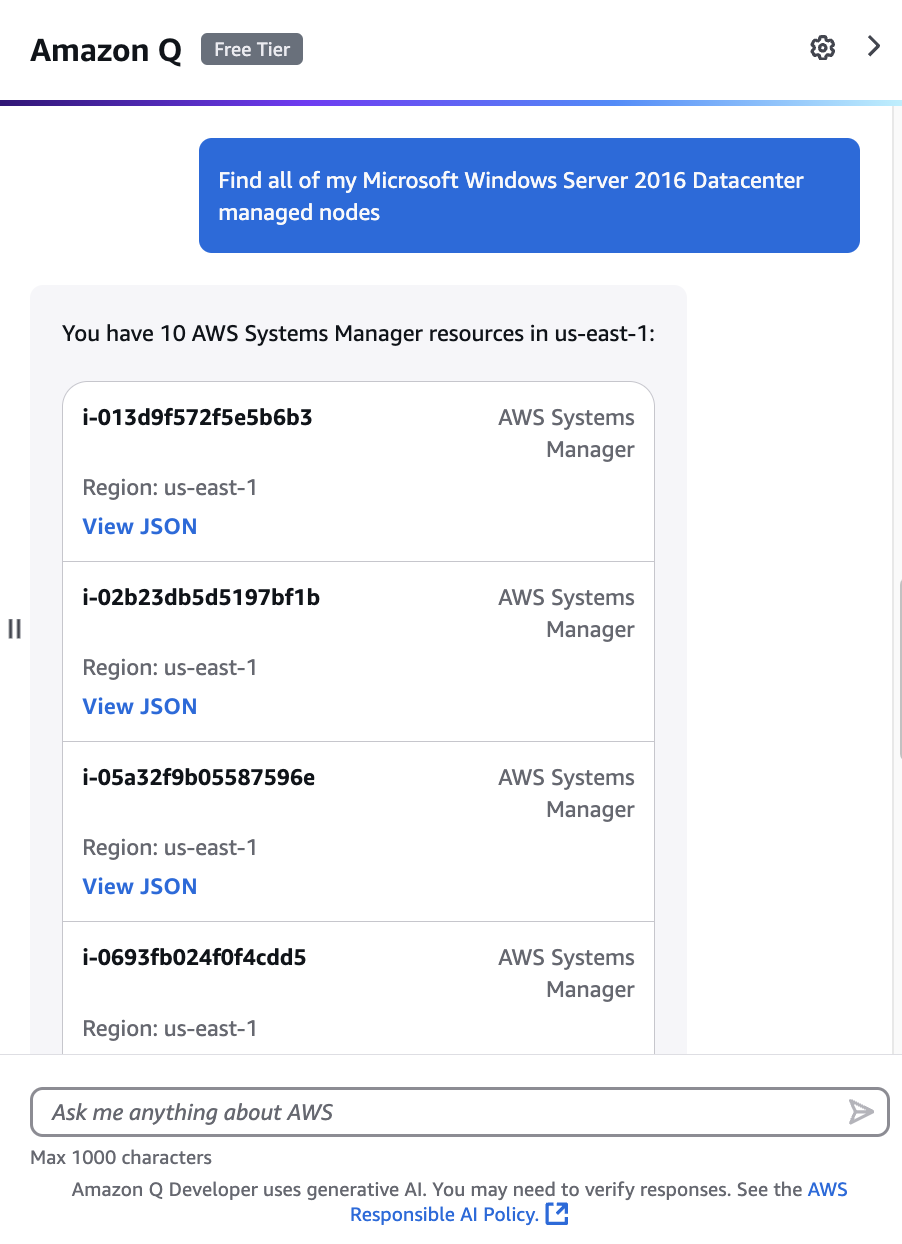
You can extend your visibility and control of your nodes via Amazon Q Developer. You can use natural language querying in Amazon Q Developer to quickly search and summarize node data across AWS accounts and Regions, helping you identify issues and take action faster.
Move to zero standing privileges with just-in-time access to your nodes
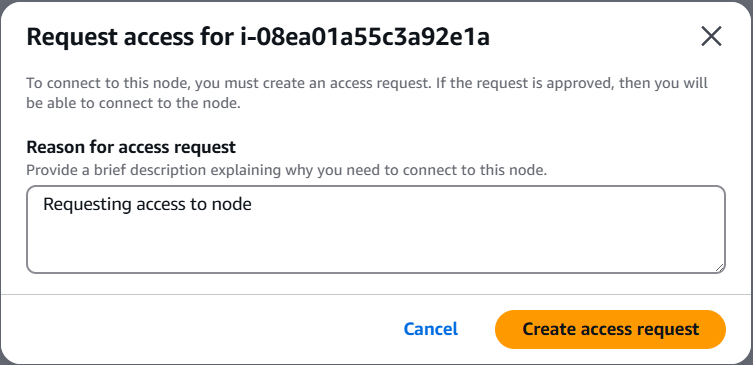
You can eliminate standing access to nodes by requiring operators to request access to nodes managed by AWS Systems Manager that are running on AWS, hybrid, and multicloud environments before remotely connecting using AWS Systems Manager Session Manager or Windows Remote Desktop Protocol (RDP). You can increase visibility into RDP sessions by recording session activity and storing recordings in S3.