Amazon Quick on your desktop
Your work lives across dozens of tools—Slack, Microsoft Outlook, Salesforce, spreadsheets on your desktop, and emails in Gmail. Quick is an AI assistant for work that connects to all of them, learns what matters to you, and takes action on your behalf. Set it up in minutes. By the end of the day, you'll wonder how you ever worked without it.
Turn scattered information into finished deliverables
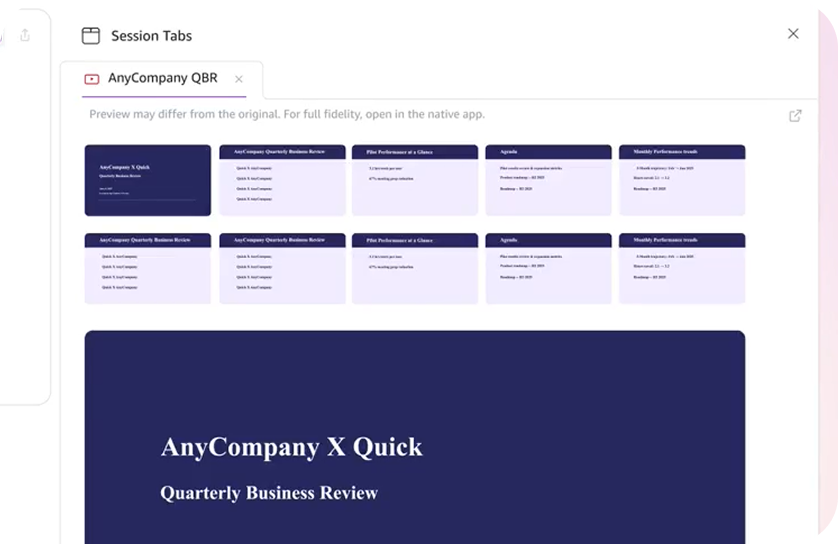
You've got a spreadsheet on your computer, a Slack thread with the latest numbers, and an email with your manager's feedback. Ask Quick to pull it together into a Microsoft Word doc, Excel model, or presentation. What used to take an afternoon of copy-paste takes a single conversation.
No more starting from scratch
Quick remembers your projects, your people, and your recent conversations so when you ask for a recap or a follow-up email, it already knows the background. No starting over. No filling in the gaps. Just pick up where you left off.
One AI Assistant for everything you use
Amazon Quick connects to the files on your computer, your email (Microsoft Outlook or Gmail), your team chat (Slack or Microsoft Teams), your CRM, and your databases all at once. Ask a question and Quick pulls the answer from wherever it lives. No uploading. No switching apps.
Amazon Quick runs in the background and watches your calendar, email, and messages across every tool. It surfaces the meeting prep you need, the follow-ups you've missed, and the scheduling conflicts you haven't noticed yet. You don't have to check five different tools. Quick already did.
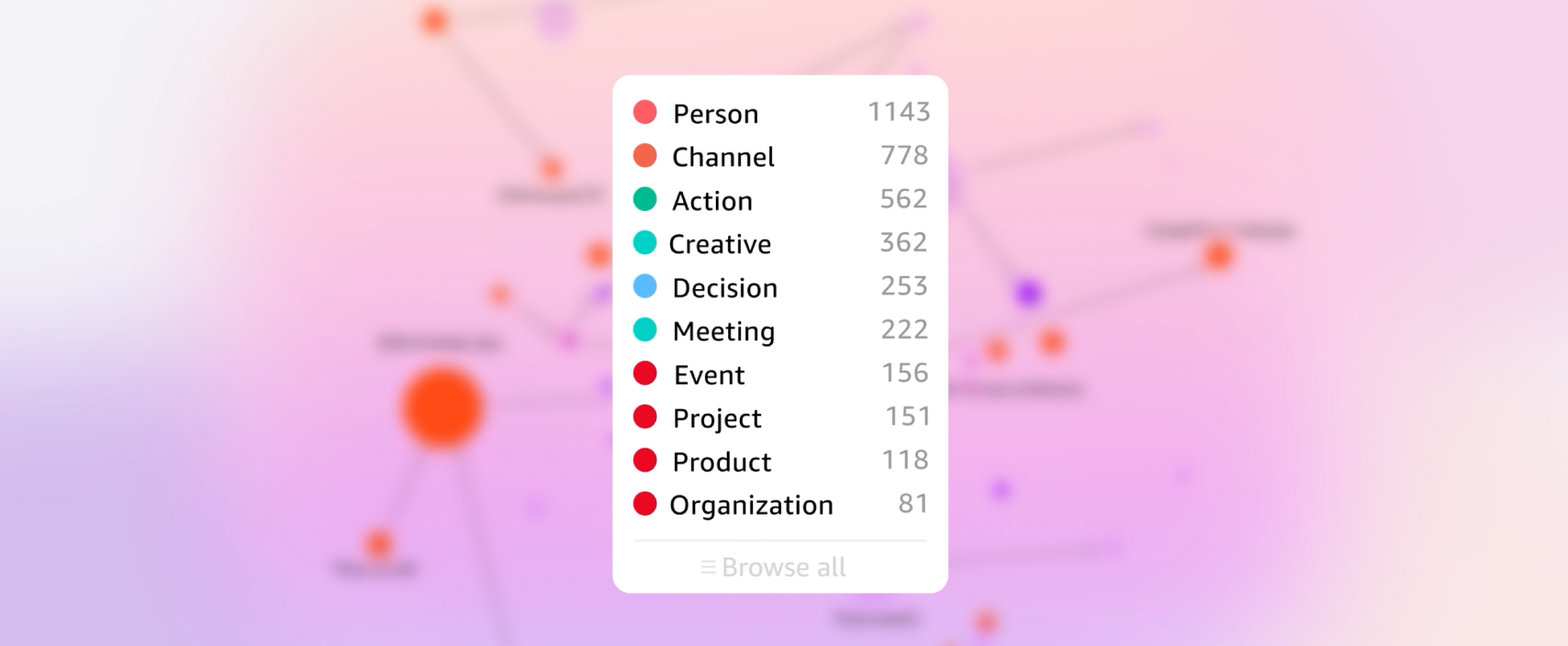
Amazon Quick builds a personal knowledge graph of your people, your projects, and how your work connects across every tool, every conversation, every file. It's not limited to one vendor's environment. The more you use it, the less you have to explain. And because it's built on AWS, that understanding is private to you and meets the same enterprise security standards your organization already trusts.


Did you find what you were looking for today?
Let us know so we can improve the quality of the content on our pages