AWS HPC Blog
Tag: HPC

Analyzing Genomic Data using Amazon Genomics CLI and Amazon SageMaker
In this blog post, we demonstrate how to leverage the AWS Genomics Command line and Amazon SageMaker to analyze large-scale exome sequences and derive meaningful insights. We use the bioinformatics workflow manager Nextflow, it’s open source library of pipelines, NF-Core, and AWS Batch.

How Thermo Fisher Scientific Accelerated Cryo-EM using AWS ParallelCluster
In this blog post, we’ll walk you through the process of building a successful Cryo-EM benchmarking pilot using AWS ParallelCluster, Amazon FSx for Lustre, and cryoSPARC (from Structura Biotechnology) and explain some of our design decisions along the way.
Getting Started with NVIDIA Clara Parabricks on AWS Batch using AWS CloudFormation
In this blog post, we’ll show how you can run NVIDIA Parabricks on AWS Batch leveraging AWS CloudFormation templates. Parabricks is a GPU-accelerated tool for secondary genomic analysis. It reduces the runtime of variant calling on a 30x human genome from 30 hours to just 30 minutes, and leverages AWS Batch to provide an interface that scales compute jobs across multiple instances in the cloud.

Benchmarking NVIDIA Clara Parabricks Somatic Variant Calling Pipeline on AWS
Somatic variants are genetic alterations which are not inherited but acquired during one’s lifespan, for example those that are present in cancer tumors. In this post, we will demonstrate how to perform somatic variant calling from matched tumor and normal genome sequence data, as well as tumor-only whole genome and whole exome datasets using an NVIDIA GPU-accelerated Parabricks pipeline, and compare the results with baseline CPU-based workflows.
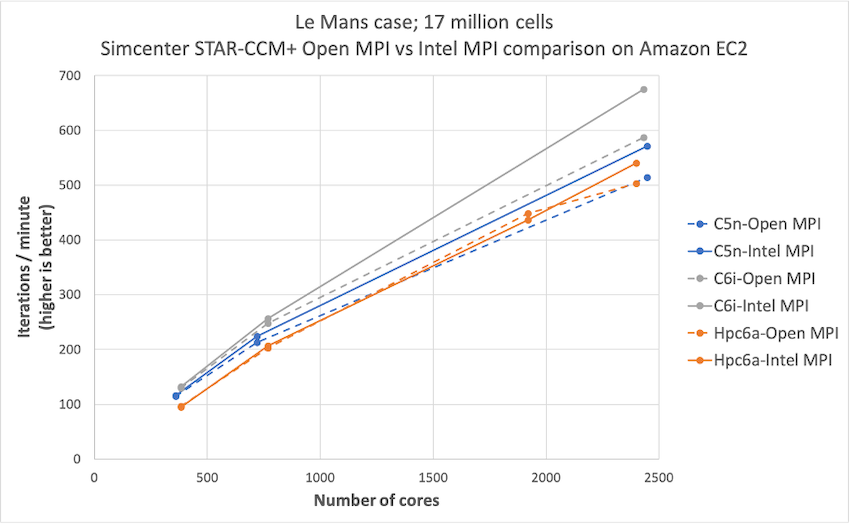
Simcenter STAR-CCM+ price-performance on AWS
Organizations such as Amazon Prime Air and Joby Aviation use Simcenter STAR-CCM+ for running CFD simulations on AWS so they can reduce product manufacturing cycles and achieve faster times to market. In this post today, we describe the performance and price analysis of running Computational Fluid Dynamics (CFD) simulations using Siemens SimcenterTM STAR-CCM+TM software on AWS HPC clusters.
Migrating to AWS ParallelCluster v3 – Updated CLI interactions
The AWS ParallelCluster version 3 CLI differs significantly from ParallelCluster version 2. This post provides some guidance on mapping between versions to help you with migrating to ParallelCluster 3. We also summarize new CLI features in ParallelCluster 3 to expose the things you just couldn’t do previously.
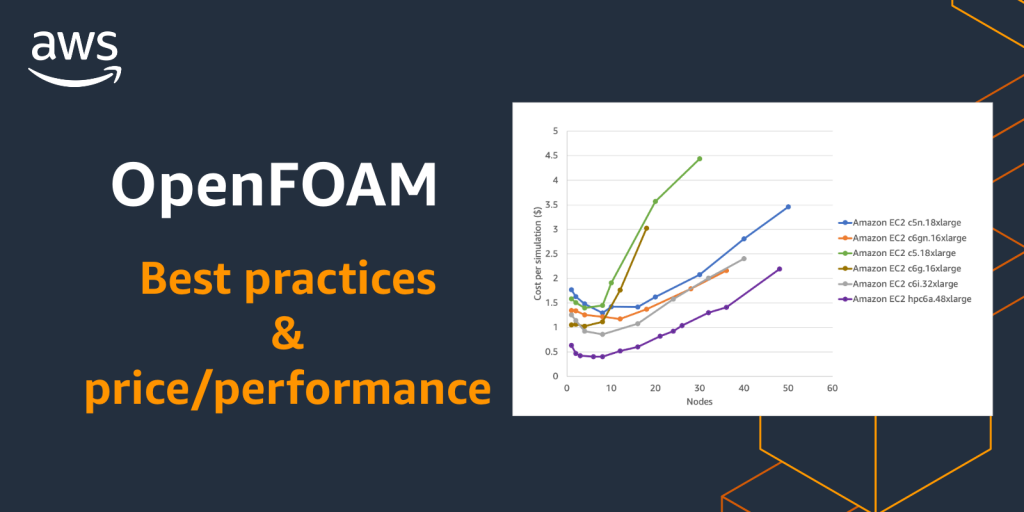
Getting the best OpenFOAM Performance on AWS
OpenFOAM is one the most widely used Computational Fluid Dynamics (CFD) packages and helps companies in a broad range of sectors (automotive, aerospace, energy, and life-sciences) to conduct research and design new products. In this post, we’ll discuss six practical things you can do as an OpenFOAM user to run your simulations faster and more cost effectively.

Cloud-native, high throughput grid computing using the AWS HTC-Grid solution
We worked with our financial services customers to develop an open-source, scalable, cloud-native, high throughput computing solution on AWS — AWS HTC-Grid. HTC-Grid allows you to submit large volumes of short and long running tasks and scale environments dynamically. In this first blog of a two-part series, we describe the structure of HTC-Grid and its objective to provide a configurable blueprint for HPC grid scheduling on the cloud.
Integrating OKTA identity service provider with NICE EnginFrame
This post by Roberto Meda and Salvo Maccarone covers how you can configure NICE EnginFrame to leverage OKTA as an identity service provider to support SAML 2.0 single sign on authentication and several other features like multi-factor verification, API access management and multi-device support.

Introducing AWS HPC Connector for NICE EnginFrame
Today we’re introducing AWS HPC Connector, a new feature in NICE EnginFrame that allows customers to leverage managed HPC resources on AWS. With this release, EnginFrame provides a unified interface for administrators to make hybrid HPC resources available to their users both on-premises and within AWS. In this post, we’ll provide some context around EnginFrame’s typical use cases, and show how you can use AWS HPC Connector to stand up HPC compute resources on AWS.