AWS Big Data Blog
Category: AWS Glue
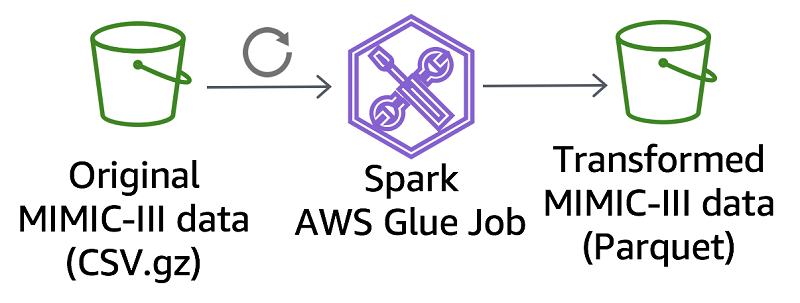
Perform biomedical informatics without a database using MIMIC-III data and Amazon Athena
This post describes how to make the MIMIC-III dataset available in Athena and provide automated access to an analysis environment for MIMIC-III on AWS. We also compare a MIMIC-III reference bioinformatics study using a traditional database to that same study using Athena.
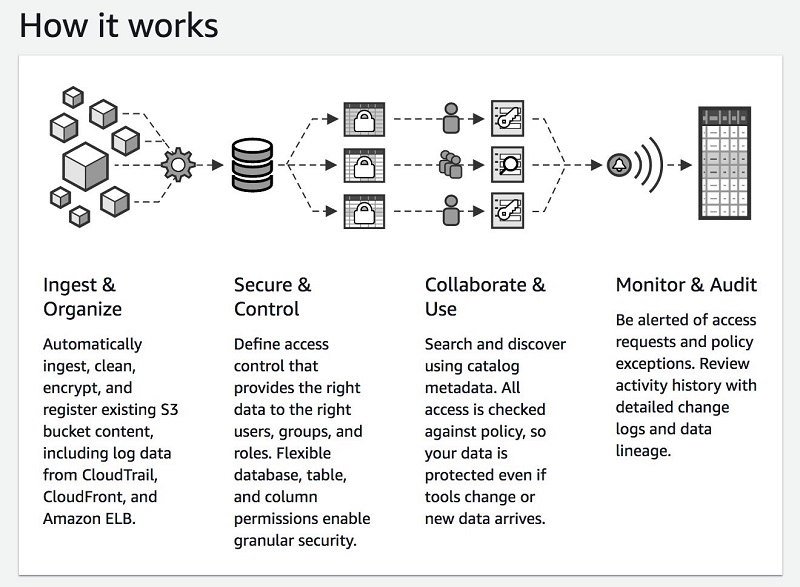
Build, secure, and manage data lakes with AWS Lake Formation
A data lake is a centralized store of a variety of data types for analysis by multiple analytics approaches and groups. Many organizations are moving their data into a data lake. In this post, we explore how you can use AWS Lake Formation to build, secure, and manage data lakes.
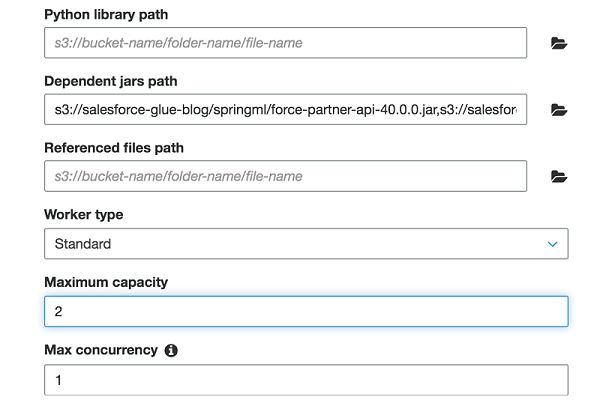
Extract Salesforce.com data using AWS Glue and analyzing with Amazon Athena
In this post, I show you how to use AWS Glue to extract data from a Salesforce.com account object and save it to Amazon S3. You then use Amazon Athena to generate a report by joining the account object data from Salesforce.com with the orders data from a separate order management system.

Load ongoing data lake changes with AWS DMS and AWS Glue
April 2024: This post was reviewed for accuracy. July 2022: This blog post was reviewed and updated with an additional AWS CloudFormation stack to deploy MySQL database. Building a data lake on Amazon S3 provides an organization with countless benefits. It allows you to access diverse data sources, determine unique relationships, build AI/ML models to […]

Detect fraudulent calls using Amazon QuickSight ML insights
The financial impact of fraud in any industry is massive. According to the Financial Times article Fraud Costs Telecoms Industry $17bn a Year (paid subscription required), fraud costs the telecommunications industry $17 billion in lost revenues every year. Fraudsters constantly look for new technologies and devise new techniques. This changes fraud patterns and makes detection […]
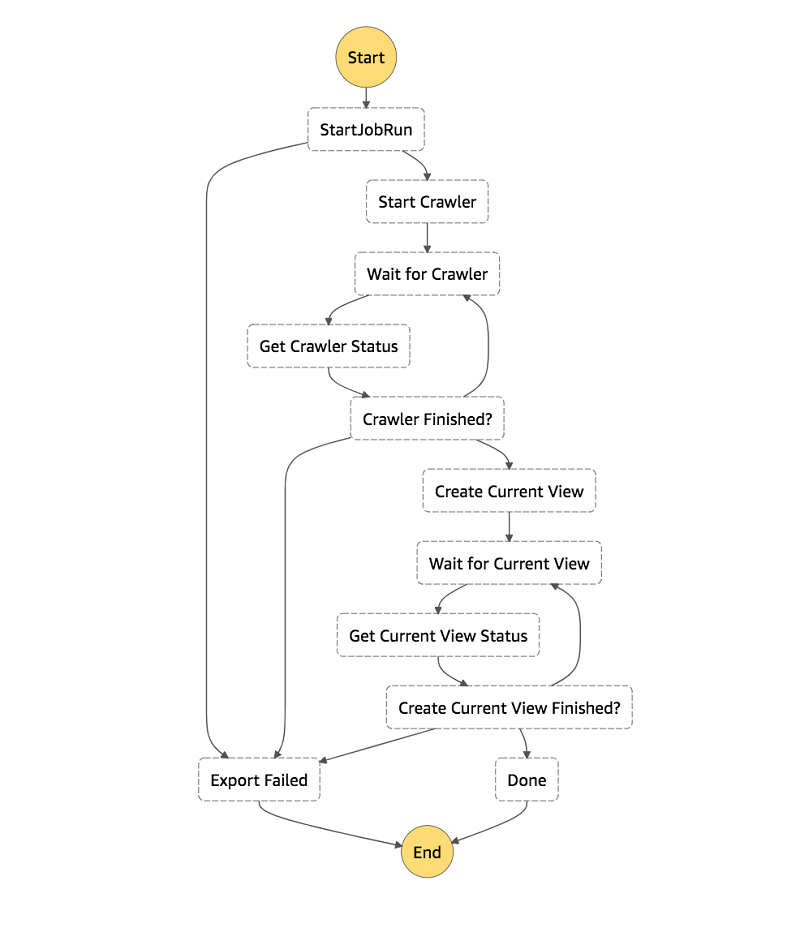
How to export an Amazon DynamoDB table to Amazon S3 using AWS Step Functions and AWS Glue
In this post, I show you how to use AWS Glue’s DynamoDB integration and AWS Step Functions to create a workflow to export your DynamoDB tables to S3 in Parquet. I also show how to create an Athena view for each table’s latest snapshot, giving you a consistent view of your DynamoDB table exports.

Trigger cross-region replication of pre-existing objects using Amazon S3 inventory, Amazon EMR, and Amazon Athena
In Amazon Simple Storage Service (Amazon S3), you can use cross-region replication (CRR) to copy objects automatically and asynchronously across buckets in different AWS Regions. CRR is a bucket-level configuration, and it can help you meet compliance requirements and minimize latency by keeping copies of your data in different Regions. CRR replicates all objects in […]

Build and automate a serverless data lake using an AWS Glue trigger for the Data Catalog and ETL jobs
September 2022: This post was reviewed and updated with latest screenshots and instructions. Today, data is flowing from everywhere, whether it is unstructured data from resources like IoT sensors, application logs, and clickstreams, or structured data from transaction applications, relational databases, and spreadsheets. Data has become a crucial part of every business. This has resulted […]

Create real-time clickstream sessions and run analytics with Amazon Kinesis Data Analytics, AWS Glue, and Amazon Athena
April 2024: The content of this post is no longer relevant and deprecated. August 30, 2023: Amazon Kinesis Data Analytics has been renamed to Amazon Managed Service for Apache Flink. Read the announcement in the AWS News Blog and learn more. Clickstream events are small pieces of data that are generated continuously with high speed […]
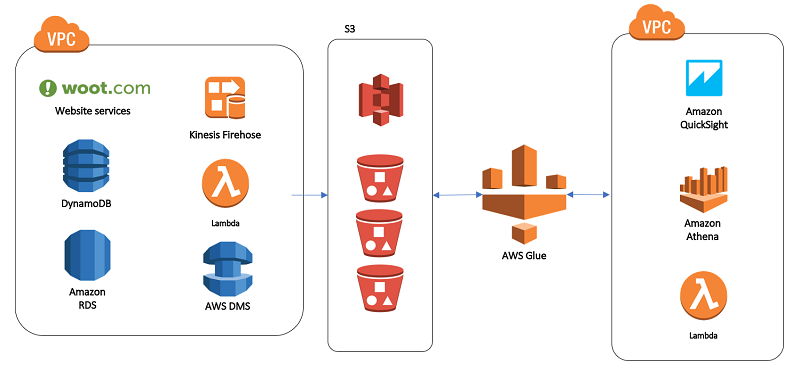
Our data lake story: How Woot.com built a serverless data lake on AWS
February 9, 2024: Amazon Kinesis Data Firehose has been renamed to Amazon Data Firehose. Read the AWS What’s New post to learn more. In this post, we talk about designing a cloud-native data warehouse as a replacement for our legacy data warehouse built on a relational database. At the beginning of the design process, the […]