
Sold by: cloudimg
Deployed on AWS
Free Trial
AWS Free Tier
This product has charges associated with it for seller support. Launch a fully configured EGroupware collaboration and groupware suite in minutes, no manual setup or security hardening required. Backed by 24/7 cloudimg expert support.
Overview
Image
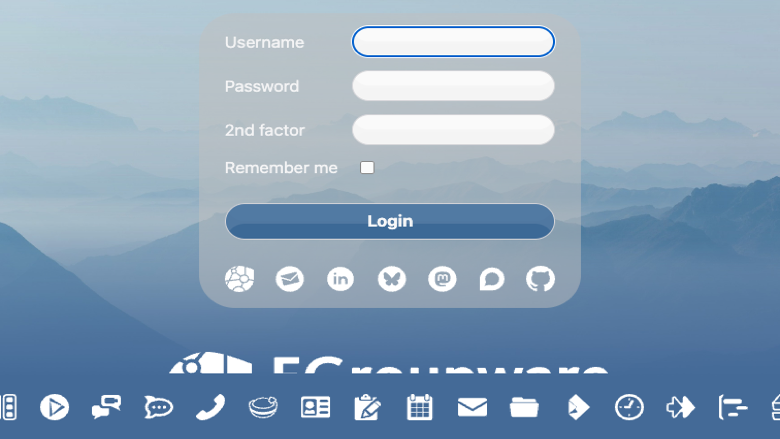
EGroupware sign-in page
Image
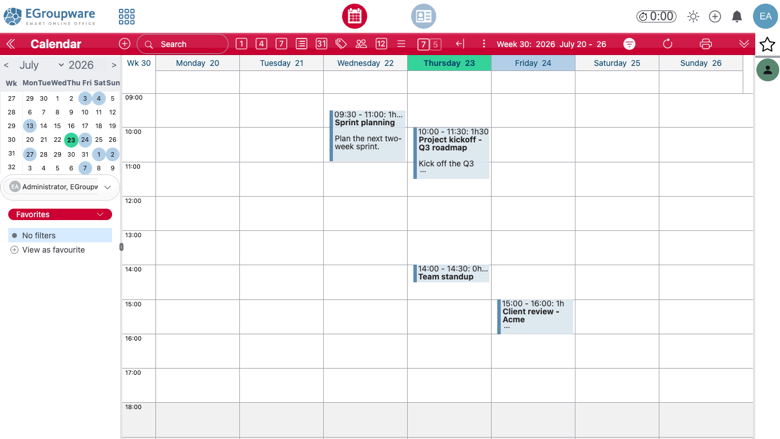
EGroupware calendar
Image
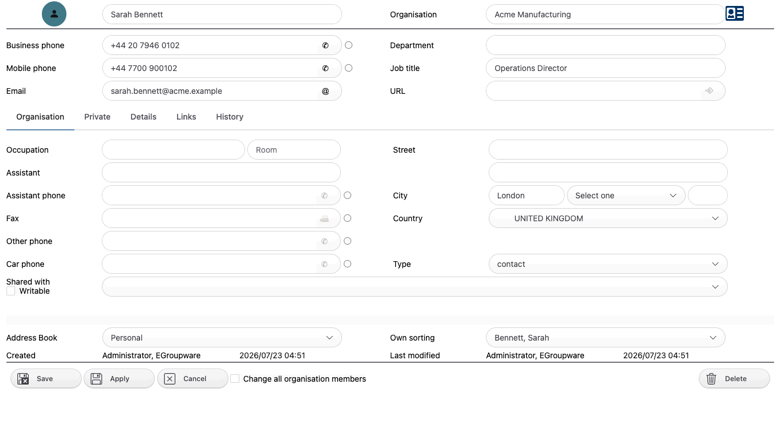
EGroupware address book
Image
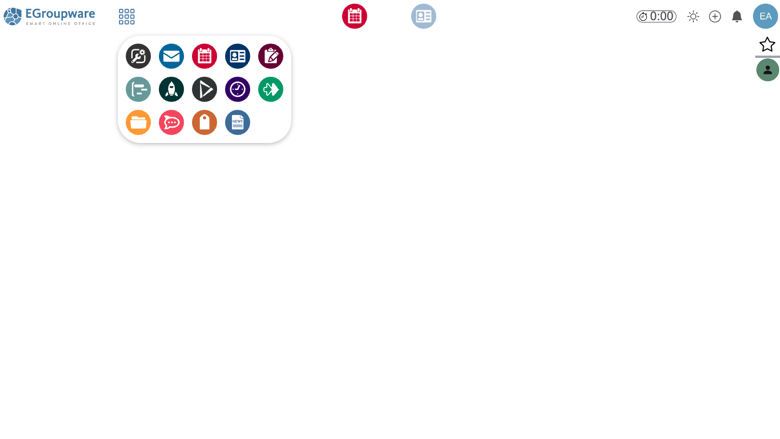
EGroupware application launcher
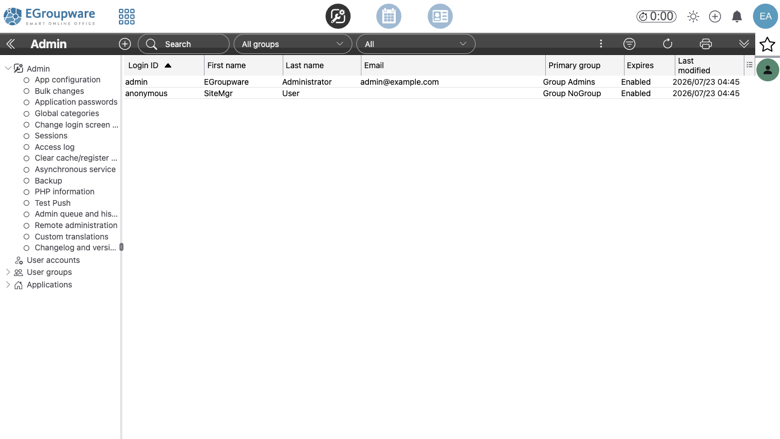
Image
EGroupware administration
This is a repackaged open source software product wherein additional charges apply for cloudimg support services.
EGroupware is a mature open source collaboration and groupware suite used by businesses, public sector bodies, schools and non profit organisations worldwide. This image delivers EGroupware 26 fully installed, configured and security hardened on a single EC2 instance, so you have a working collaboration platform the moment the instance finishes booting, not a source tree and an afternoon of manual configuration.
Why choose this image over manual deployment
Installing EGroupware from source or using the upstream container topology means configuring Apache, PHP and MariaDB, running the web installer, hardening the setup console, generating credentials and setting up storage. This image eliminates that entire sequence:
- Pre completed installer: the EGroupware setup wizard has already run and the setup console is locked away from the public internet.
- Unique credentials on every boot: fresh database, setup and administrator passwords are generated on first launch and written to a root owned file, so no two deployments share a password and nothing is published in this listing.
- Dedicated EBS data volume: your collaboration data lives on its own volume that you can snapshot, resize or detach independently of the operating system volume.
- Host agnostic configuration: EGroupware derives every link from the request host, so it works on your public IP, your private IP, a DNS name, or behind a TLS terminating proxy with nothing host specific baked in.
- Patched and hardened: the image is updated to the latest security baseline at build time.
A complete groupware feature set on one instance
The appliance bundles Apache with PHP, a local MariaDB database and the full EGroupware application suite:
- Shared calendars with group scheduling and resource booking
- Address books with fine grained access control
- InfoLog task and ticket tracking
- Versioned file manager with a virtual file system
- Project manager and time sheets
- Wiki, bookmarks and news administration
- CalDAV and CardDAV synchronisation with phones, tablets and desktop clients
Example use case
A school coordinating room bookings, meeting schedules and shared document repositories can deploy this image and immediately give staff group calendars, resource booking for rooms and equipment, and a versioned file manager for policies and forms, all hosted within their own AWS account with no data leaving their control. A small consulting firm replacing a hosted groupware tool gains full data sovereignty, LDAP or Active Directory integration, and no per seat licence fees under the GPL.
Integration and extensibility
- Connect your existing mail server for integrated email
- Authenticate against LDAP or Active Directory
- Synchronise calendars and contacts to any CalDAV or CardDAV client, including iOS, Android, Thunderbird and Outlook
- Run standalone or as part of a larger infrastructure
Licensing
EGroupware is licensed under the GNU General Public License version 2 or later, so there are no licence fees or seat counts to manage and your data stays entirely in your own AWS account.
Getting started
Launch the image, wait for first boot setup to complete, browse to your instance address, sign in with the generated administrator credentials, and start collaborating. For pre sales questions, contact cloudimg support by email or live chat.
Highlights
- EGroupware 26 collaboration suite fully installed with Apache, PHP and MariaDB. The installer is pre completed and the setup console is locked away from the internet, so you skip the whole installation sequence. Browse to your instance and sign in immediately after first boot.
- A complete groupware feature set on one instance: shared calendars with group scheduling and resource booking, address books, InfoLog tasks and tickets, a versioned file manager, project manager, time sheet and wiki, plus CalDAV and CardDAV sync to phones, tablets and desktop clients. Connect your own mail server, LDAP or Active Directory when you are ready.
- Secure by default with no published credentials. Fresh database, setup and administrator passwords are generated uniquely on every first boot and written to a root only file, the setup console and configuration files are denied over HTTP, and customer data lives on its own EBS data volume you can snapshot independently. Fully patched at build time and backed by 24/7 cloudimg support.
Details
Sold by
Delivery method
Delivery option
64-bit (x86) Amazon Machine Image (AMI)
Latest version
Operating system
Ubuntu 24.04
Deployed on AWS
New
Introducing multi-product solutions
You can now purchase comprehensive solutions tailored to use cases and industries.

Features and programs
Financing for AWS Marketplace purchases
AWS Marketplace now accepts line of credit payments through the PNC Vendor Finance program. This program is available to select AWS customers in the US, excluding NV, NC, ND, TN, & VT.

Pricing
Free trial
Try this product free for 7 days according to the free trial terms set by the vendor. Usage-based pricing is in effect for usage beyond the free trial terms. Your free trial gets automatically converted to a paid subscription when the trial ends, but may be canceled any time before that.
Pricing is based on actual usage, with charges varying according to how much you consume. Subscriptions have no end date and may be canceled any time. Alternatively, you can pay upfront for a contract, which typically covers your anticipated usage for the contract duration. Any usage beyond contract will incur additional usage-based costs.
Additional AWS infrastructure costs may apply. Use the AWS Pricing Calculator to estimate your infrastructure costs.
If you are an AWS Free Tier customer with a free plan, you are eligible to subscribe to this offer. You can use free credits to cover the cost of eligible AWS infrastructure. See AWS Free Tier for more details. If you created an AWS account before July 15th, 2025, and qualify for the Legacy AWS Free Tier, Amazon EC2 charges for Micro instances are free for up to 750 hours per month. See Legacy AWS Free Tier for more details.
Dimension | Description | Cost/hour |
|---|---|---|
m5.large Recommended | m5.large | $0.08 |
t2.micro | t2.micro instance type | $0.04 |
t3.micro | t3.micro instance type | $0.04 |
c5a.12xlarge | c5a.12xlarge instance type | $0.24 |
c5a.16xlarge | c5a.16xlarge instance type | $0.24 |
c5a.24xlarge | c5a.24xlarge instance type | $0.24 |
c5a.2xlarge | c5a.2xlarge instance type | $0.24 |
c5a.4xlarge | c5a.4xlarge instance type | $0.24 |
c5a.8xlarge | c5a.8xlarge instance type | $0.24 |
c5a.large | c5a.large instance type | $0.08 |
Vendor refund policy
Refunds available on request.

Legal
Vendor terms and conditions
Upon subscribing to this product, you must acknowledge and agree to the terms and conditions outlined in the vendor's End User License Agreement (EULA) .
Content disclaimer
Vendors are responsible for their product descriptions and other product content. AWS does not warrant that vendors' product descriptions or other product content are accurate, complete, reliable, current, or error-free.
Delivery details
64-bit (x86) Amazon Machine Image (AMI)
Amazon Machine Image (AMI)
An AMI is a virtual image that provides the information required to launch an instance. Amazon EC2 (Elastic Compute Cloud) instances are virtual servers on which you can run your applications and workloads, offering varying combinations of CPU, memory, storage, and networking resources. You can launch as many instances from as many different AMIs as you need.
Version release notes
Initial AWS release of the EGroupware 26 open source collaboration and groupware suite (version 26.7.20260710.3), installed natively on Apache, PHP and MariaDB.
Additional details
Usage instructions
Connect via SSH on port 22 as the default login user for your operating system variant (the user guide lists it per variant; on Ubuntu it is ubuntu). The EGroupware web interface is served on port 80 at the vendor path /egroupware: browse to http://<instance-public-ip>/ (which redirects to /egroupware/) and sign in with user admin and the generated administrator password. Retrieve the credentials with: sudo cat /root/egroupware-credentials.txt. Only Apache on port 80 is exposed publicly; MariaDB listens on loopback only, and the pre completed setup console is denied over HTTP. The MariaDB datadir and EGroupware's file store live on a dedicated EBS data volume mounted at /data. EGroupware derives every link from the request host, so it answers correctly on your public IP, private IP or a custom domain with nothing to reconfigure. The user guide explains how to add a custom domain, enable HTTPS with Let's Encrypt, connect a mail server, LDAP or Active Directory, and set up CalDAV and CardDAV clients.
Resources
Vendor resources
Support
Vendor support
cloudimg provides 24/7 technical support for this EGroupware collaboration suite product by email (support@cloudimg.co.uk ) and live chat. We help with EGroupware deployment and initial configuration, user and group permission setup, connecting your own mail server, LDAP or Active Directory, CalDAV and CardDAV client synchronisation, version upgrades and migration assistance, performance tuning, data volume management and backup guidance, and TLS setup. EGroupware is licensed under the GNU General Public License version 2 or later. Note that this image runs EGroupware natively on Apache, PHP and MariaDB rather than in the upstream container topology, so cloudimg supports this appliance directly.
AWS infrastructure support
AWS Support is a one-on-one, fast-response support channel that is staffed 24x7x365 with experienced and technical support engineers. The service helps customers of all sizes and technical abilities to successfully utilize the products and features provided by Amazon Web Services.
Similar products

This product has charges associated with it for seller support. Simple, Secure and Supported deployment with the Hossted CLI, for easy self-maintenance.
Customer reviews
No customer reviews yet
Be the first to review this product . We've partnered with PeerSpot to gather customer feedback. You can share your experience by writing or recording a review, or scheduling a call with a PeerSpot analyst.