
Sold by: Cloud Infrastructure Services
Deployed on AWS
AWS Free Tier
This product has charges associated with it for AWS support & maintenance. Self-Hosted web-based DevOps lifecycle tool that includes Git repository management, issue tracking, CI/CD pipelines, code review, an IDE, activity streams, wikis, and more.
4
Overview
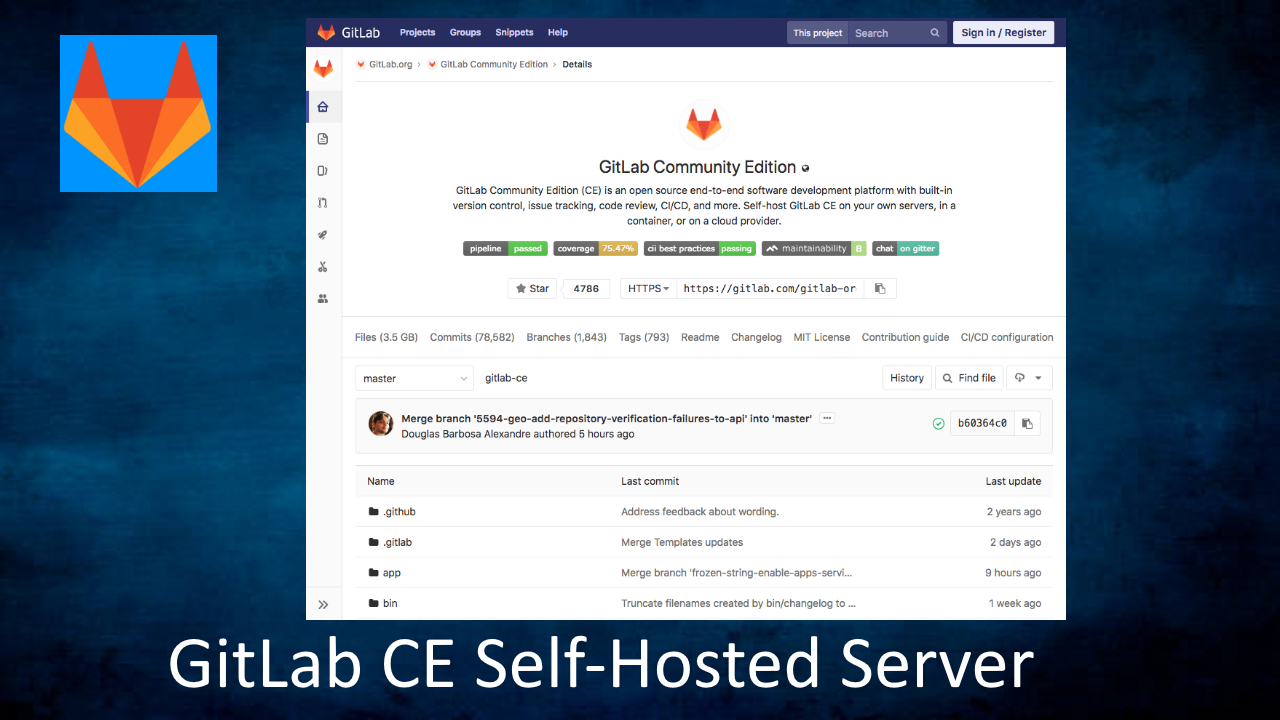
GitLab Server CE Community Edition with Lets Encrypt SSL on Ubuntu 24.04
This is a repackaged open source software product wherein additional charges apply for support & maintenance.
GitLab Community Edition Server (CE) is a web-based DevOps lifecycle tool that includes Git repository management, issue tracking, CI/CD pipelines, code review, an IDE, activity streams, wikis, and more.
GitLab image is maintained by Cloud Infrastructure Services. GitLab is highly scalable and can be hosted across several servers and It also includes a wiki, issue-tracking and CI/CD pipeline features. It is a great alternative to Jenkins, AWS DevOps, GitHub, CircleCI, Bitbucket, Jira, JFrog & CloudBees.
The Git Lab technology stack includes Go, Ruby on Rails, Vue.js,PostgreSQL, NGINX and Redis. GitLabs application offers functionality to automate the entire DevOps life cycle, from planning through to creation, build, verification, security testing, deployment and monitoring.
GitLab CE Server Features:
- Source Code Management (SCM) with Git version control
- Continuous Integration and Continuous Deployment (CI/CD) pipelines
- Built-in Issue Tracking and Project Management
- Container Registry for streamlined Docker container management
- Secure DevOps with automated security testing
- One platform for all DevOps needs, reducing context switching
- Seamless collaboration between development, operations, and security teams
- Unified project and issue management tools to keep teams aligned
- Merge requests and code reviews for maintaining code quality
- Integrated CI/CD pipelines for automated testing and deployment
- Automated security scans to identify vulnerabilities early
- Built-in container registry for managing and deploying Docker images
- Comprehensive security features including SAST, DAST, and container scanning
- Support for compliance and audit requirements with integrated controls
- Efficiently manage repositories with forking, conflict resolution for merges, quick commit-reverts, and groups consisting of multiple people sharing a namespace for projects
- Issue board for managing, organizing, and visualizing agile software projects
- Lets encrypt SSL support to confgure https support for your custom domain.
- Fully functional CI/CD, with versioned build script, build pipelines, and deployment to multiple environments
- Mattermost-based messaging built in for chat-ops
- GitLab Web Editor enables editing of merge requests, files, and directories from the web interface
- Secure authentication with LDAP and Active Directory, two-factor auth, and CAS integration
- Deep integration with existing tools like JIRA, and the ability to configure an external PostgreSQL database using the Omnibus package
Disclaimer: GitLab is a registered trademark of GitLab Inc and is licensed under open-source (MIT) license. This is an official GitLab CE release maintained by Cloud Infrastructure Services. No warrantee of any kind, express or implied, is included with this software. Use at your risk, responsibility for damages (if any) to anyone resulting from the use of this software rest entirely with the user. The author is not responsible for any damage that its use could cause.
Highlights
- Fully functional CI/CD, with versioned build script, build pipelines, and deployment to multiple environments
- GitLabs application offers functionality to automate the entire DevOps life cycle, from planning through to creation, build, verification, security testing, deployment and monitoring
- Efficiently manage repositories with forking, conflict resolution for merges, quick commit-reverts, and groups consisting of multiple people sharing a namespace for projects
Details
Delivery method
Delivery option
64-bit (x86) Amazon Machine Image (AMI)
Latest version
Operating system
Ubuntu 24.04
Deployed on AWS
New
Introducing multi-product solutions
You can now purchase comprehensive solutions tailored to use cases and industries.

Features and programs
Financing for AWS Marketplace purchases
AWS Marketplace now accepts line of credit payments through the PNC Vendor Finance program. This program is available to select AWS customers in the US, excluding NV, NC, ND, TN, & VT.

Pricing
Pricing is based on actual usage, with charges varying according to how much you consume. Subscriptions have no end date and may be canceled any time.
Additional AWS infrastructure costs may apply. Use the AWS Pricing Calculator to estimate your infrastructure costs.
If you are an AWS Free Tier customer with a free plan, you are eligible to subscribe to this offer. You can use free credits to cover the cost of eligible AWS infrastructure. See AWS Free Tier for more details. If you created an AWS account before July 15th, 2025, and qualify for the Legacy AWS Free Tier, Amazon EC2 charges for Micro instances are free for up to 750 hours per month. See Legacy AWS Free Tier for more details.
Dimension | Cost/hour |
|---|---|
t2.medium Recommended | $0.03 |
t3.micro | $0.03 |
t2.micro | $0.03 |
m5d.8xlarge | $0.03 |
t3a.2xlarge | $0.03 |
r4.2xlarge | $0.03 |
m5zn.large | $0.03 |
m4.10xlarge | $0.03 |
c5n.large | $0.03 |
hpc5i.18xlarge | $0.03 |
Dimensions summary
You pay by the hour for the software running on your chosen Amazon EC2 instance type. Each dimension maps to a specific instance size, and your hourly rate follows the instance you pick. Smaller instances like t3.micro or t2.nano suit light workloads. Larger instances such as m5.24xlarge or u-24tb1.metal handle heavier compute, memory, or storage needs. Options span general-purpose, compute-optimized, memory-optimized, storage-optimized, and GPU or high-performance families. The GitLab Community Edition software cost stays consistent across sizes; your total varies with the instance you run. You add standard AWS infrastructure charges separately.
Top-of-mind questions for buyers
You get the pre-configured GitLab Community Edition image running on your selected Amazon EC2 instance. It comes with the latest GitLab CE version and its prerequisites installed, plus Let's Encrypt SSL support on Ubuntu 24.04. The instance size you pick sets its CPU, memory, and storage capacity.
Software charges meter running hours only. When you stop the instance, hourly software charges stop accruing. You may still pay standard AWS fees for attached storage while the instance is stopped. Restarting the instance resumes the hourly software charge.
Your instance choice drives the hourly software charge, which stays consistent across sizes. Standard AWS infrastructure charges for compute, storage, and data transfer are billed separately by AWS. Both appear alongside each other, so a larger instance raises the underlying AWS portion of your bill.
cloudinfrastructureservices.co.uk
Helpful?
Vendor refund policy
We do not currently support refunds, but you can cancel at any time.

Legal
Vendor terms and conditions
Upon subscribing to this product, you must acknowledge and agree to the terms and conditions outlined in the vendor's End User License Agreement (EULA) .
Content disclaimer
Vendors are responsible for their product descriptions and other product content. AWS does not warrant that vendors' product descriptions or other product content are accurate, complete, reliable, current, or error-free.
Delivery details
64-bit (x86) Amazon Machine Image (AMI)
Amazon Machine Image (AMI)
An AMI is a virtual image that provides the information required to launch an instance. Amazon EC2 (Elastic Compute Cloud) instances are virtual servers on which you can run your applications and workloads, offering varying combinations of CPU, memory, storage, and networking resources. You can launch as many instances from as many different AMIs as you need.
Version release notes
Latest OS package updates installed. Simply run 'apt-get update' to install latest OS updates.
Additional details
Usage instructions
SSH into the EC2 instance with the following username: ubuntu
Instructions for connecting to Linux instances via SSH can be found on: https://docs.aws.amazon.com/AWSEC2/latest/UserGuide/ec2-key-pairs.html
Once logged in, Scroll down to 'Getting Started' on the following URL: https://cloudinfrastructureservices.co.uk/how-to-setup-gitlab-ce-server-on-azure-aws-gcp/
Resources
Vendor resources
Support
Vendor support
Email support, contact us through our website or leave a comment on our getting started guide
AWS infrastructure support
AWS Support is a one-on-one, fast-response support channel that is staffed 24x7x365 with experienced and technical support engineers. The service helps customers of all sizes and technical abilities to successfully utilize the products and features provided by Amazon Web Services.
Updated weekly
By Cloud Infrastructure Services
By GitLab

By BYNET
Top
10
In Issue & Bug Tracking, Agile Lifecycle Management, Continuous Integration and Continuous Delivery
Top
10
In Source Control
Top
100
In Source Control
Sentiment is AI generated from actual customer reviews on AWS and G2
Functionality
Ease of use
Customer service
Cost effectiveness
Positive reviews
Mixed reviews
Negative reviews
AI generated from product descriptions
Continuous Integration and Continuous Deployment
Fully functional CI/CD with versioned build scripts, build pipelines, and deployment to multiple environments
Source Code Management
Git repository management with forking, conflict resolution for merges, quick commit-reverts, and group namespace sharing for multiple users
Security and Compliance
Automated security testing including SAST, DAST, and container scanning with support for compliance and audit requirements
Container Registry
Built-in Docker container registry for managing and deploying container images
Authentication and Access Control
Secure authentication with LDAP, Active Directory, two-factor authentication, and CAS integration support
Source Code Management
Powerful branching tools and code management capabilities for creating and managing code repositories
CI/CD Pipeline
Advanced continuous integration and continuous deployment with automatic testing, reporting, and release controls
Enterprise Agile Planning
Project planning tools with analytics and insights into team productivity for multi-team usage and scaling organizations
Package Management
Built-in universal package management for creating software supply chains with strict quality standards
AI-Powered Development Assistance
GitLab Duo integration providing code completion, code generation, code explanation, and developer experience enhancements throughout the software development lifecycle
Integrated DevOps Platform
Single application providing project planning, source code management, CI/CD, and monitoring capabilities for the entire software development lifecycle.
Continuous Integration and Continuous Deployment
Automated testing and reporting functionality to maintain quality standards for production code.
Source Code Management
Version control and source code management capabilities integrated within the platform.
Business Performance Visibility
Visibility and insight capabilities into business performance metrics and development operations.
Project Planning and Tracking
Project planning functionality integrated as part of the unified DevOps application.
Standard contract
No
No
Customer reviews
Information Technology and Services
Simple, Easy and straightforward!
Reviewed on Oct 19, 2022
Review provided by G2
What do you like best about the product?
I love that git hub makes it easy for those in our company without major experience to peek 'behind the curtain' and understand a little more about how coding and bug hunting works. It's a simple way to share our progress and have everyone pitch in.
What do you dislike about the product?
I wish that Github had more options to share steps and progress linearly.
What problems is the product solving and how is that benefiting you?
Git lab helps us have all staff bug hunt and help with development easily.
Sai Raj S.
Usefulness of Gitlab Server CE
Reviewed on Oct 14, 2022
Review provided by G2
What do you like best about the product?
Gitlab Server CE community edition is open source software which we used as a freelancer for some project. It's use to use and friendliness makes it better from other competitors.
What do you dislike about the product?
Customer service is one thing which they can improve and make the world better for it's use and documentation can be little bit can be improved too for more understanding purpose.
What problems is the product solving and how is that benefiting you?
It was helping me during project based on Linux where we are trying different level of security testing and how it make the system more secure from cyber security purpose.