Sold by: Nexulon INC
Deployed on AWS
AWS Free Tier
This product has charges associated with it for security hardening, preconfigured deployment, automated first-boot provisioning, and support services provided by Nexulon INC.
Overview


Video
Zammad working with tabs

Video
Zammad Overviews

Video
Zammad Forms

Video
Zammad Managing Attributes
Image
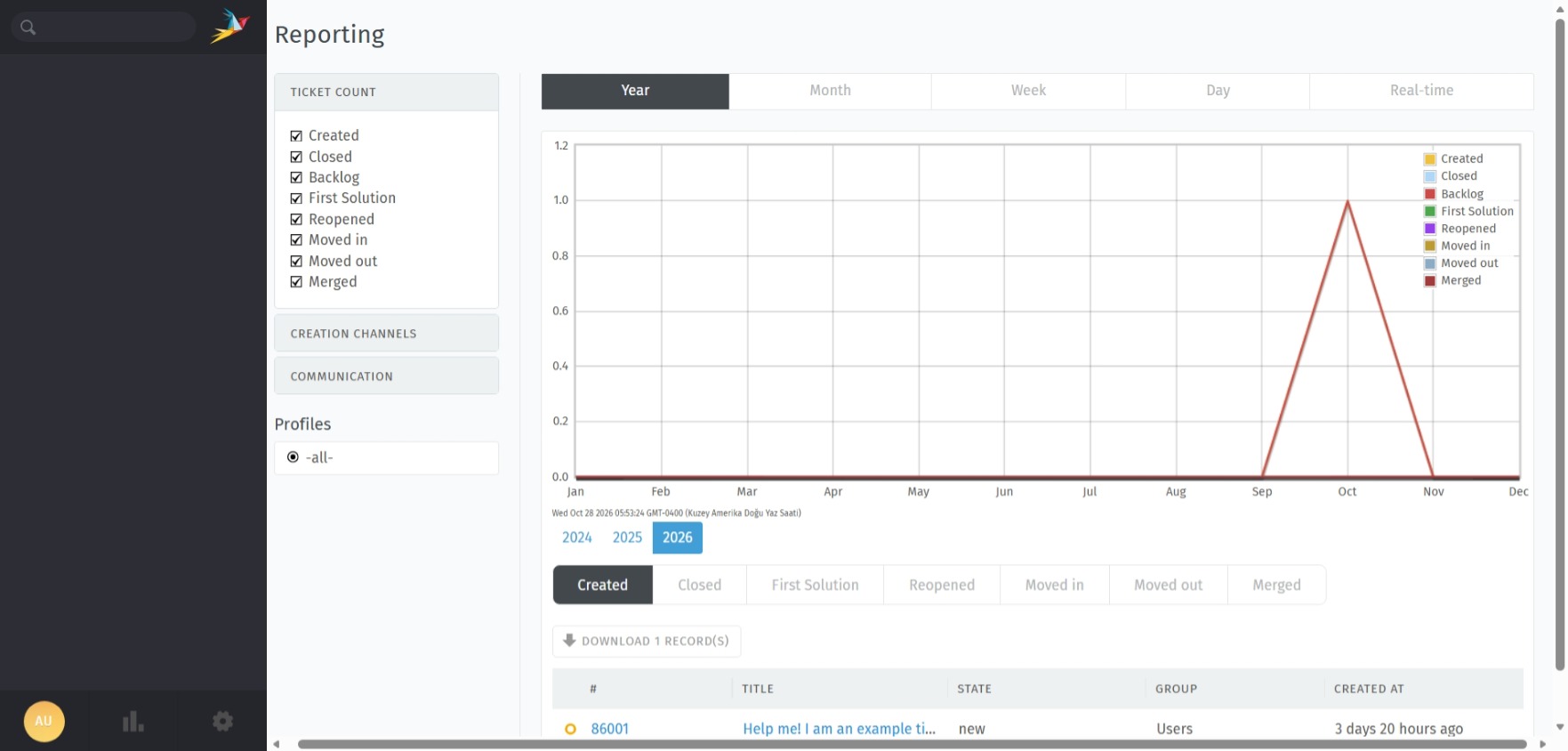
Zammad
This is a repackaged open-source software product wherein additional charges apply for security hardening, preconfigured deployment, automated first-boot provisioning, and support services provided by Nexulon INC.
WHAT YOU ARE PAYING FOR
Production-ready Zammad installation with all dependencies preconfigured Elasticsearch fully integrated and indexed for instant full-text search Security hardening applied at the operating system level Unique administrator credentials generated automatically on first launch Technical support for deployment and configuration
ABOUT ZAMMAD
Zammad is a modern open-source helpdesk and customer support platform used by organizations worldwide to manage customer communication from a single interface. It consolidates email, web forms, chat, phone, and social channels into one unified ticketing system, giving support teams complete visibility into every customer conversation.
Zammad is designed for teams of every size, from small businesses handling their first support requests to large organizations managing thousands of tickets every day. Its clean interface, real-time collaboration features, and powerful automation tools help support agents resolve issues faster while keeping customers informed at every step.
KEY FEATURES
Multi-channel ticketing for email, web forms, chat, telephony, and social media Real-time collaboration showing which agents are working on each ticket Full-text search across tickets, customers, organizations, and knowledge base articles Built-in knowledge base for self-service customer support Service level agreements with escalation rules and response time tracking Triggers, macros, and schedulers for workflow automation Customer and organization management with complete conversation history Reporting and statistics for team performance analysis Role-based access control for agents, customers, and administrators REST API for integration with external systems
TECHNICAL SPECIFICATIONS
Zammad 7.2.2 (Latest Stable Release) Ubuntu 24.04 LTS (Noble Numbat) Elasticsearch 8.19 preconfigured for local search indexing PostgreSQL database configured and initialized Redis for caching and background job processing Nginx as reverse proxy with production-grade configuration All services enabled to start automatically on boot EC2 Instance Metadata Service v2 (IMDSv2) is required and used for instance configuration. No user-provided credentials are required.
SECURITY HARDENING
Root SSH login disabled SSH password authentication disabled, key-based access only UFW firewall enabled with only ports 22, 80, and 443 open Elasticsearch bound to localhost only and not exposed to the network Unique administrator password generated on first boot for every instance No default or shared credentials included in the image Shell history, SSH host keys, machine identifiers, and logs cleared before image creation
HOW IT WORKS
- Launch the instance from AWS Marketplace with your EC2 key pair
- Allow two to three minutes for the first-boot configuration to complete
- Connect via SSH and retrieve your unique administrator credentials
- Open the public IP address of the instance in your browser
- Log in with the generated credentials and begin configuring your helpdesk
PRODUCT LIMITATIONS
HTTPS is not configured by default and requires a domain name and SSL certificate configured by the customer. Email channel configuration for incoming and outgoing mail must be completed by the customer after launch. Data migration from other helpdesk platforms is not included in the support scope. High availability, clustering, and automated backups are not configured by default.
SUPPORT
Contact: info@nexulon-inc.com Website: https://nexulon-inc.com
ABOUT NEXULON INC
Nexulon INC delivers secure, production-ready software solutions on AWS, specializing in hardened deployments, automated provisioning, and professional support services for businesses of all sizes.
ZAMMAD LICENSE
Zammad is free and open-source software licensed under the GNU Affero General Public License v3.0. Source code is available at https://github.com/zammad/zammad . Charges on this listing apply exclusively to the security hardening, preconfigured deployment, automated provisioning, and support services provided by Nexulon INC.
Highlights
- Production-ready Zammad 7.2.2 helpdesk on Ubuntu 24.04 LTS with Elasticsearch, PostgreSQL, Redis, and Nginx fully preconfigured, ready to use within minutes of launch.
- Unique administrator credentials generated automatically on first boot for every instance, with no default or shared passwords included in the image.
- Security hardened deployment with root SSH login disabled, key-based authentication only, UFW firewall enabled, IMDSv2 enforced, and Elasticsearch restricted to localhost.
Details
Sold by
Categories
Delivery method
Delivery option
64-bit (x86) Amazon Machine Image (AMI)
Latest version
Operating system
Ubuntu 24.04
Deployed on AWS
New
Introducing multi-product solutions
You can now purchase comprehensive solutions tailored to use cases and industries.

Features and programs
Financing for AWS Marketplace purchases
AWS Marketplace now accepts line of credit payments through the PNC Vendor Finance program. This program is available to select AWS customers in the US, excluding NV, NC, ND, TN, & VT.

Pricing
Pricing is based on the duration and terms of your contract with the vendor. This entitles you to a specified quantity of use for the contract duration. If you choose not to renew or replace your contract before it ends, access to these entitlements will expire.
Additional AWS infrastructure costs may apply. Use the AWS Pricing Calculator to estimate your infrastructure costs.
Dimension | Description | Cost/month |
|---|---|---|
Zammad Helpdesk 7.2.2 on Ubuntu 24.04 LTS | One instance of Zammad Helpdesk 7.2.2 on Ubuntu 24.04 LTS with Elasticsearch preconfigured, automated credential generation, security hardening, and support by Nexulon INC. | $200.00 |
Vendor refund policy
This product is billed based on hourly usage through AWS Marketplace. You may terminate your instance at any time to stop future software charges. No refunds are issued for usage already incurred. For billing questions or disputes, contact info@nexulon-inc.com before opening a claim through AWS Marketplace.

Legal
Vendor terms and conditions
Upon subscribing to this product, you must acknowledge and agree to the terms and conditions outlined in the vendor's End User License Agreement (EULA) .
Content disclaimer
Vendors are responsible for their product descriptions and other product content. AWS does not warrant that vendors' product descriptions or other product content are accurate, complete, reliable, current, or error-free.
Delivery details
64-bit (x86) Amazon Machine Image (AMI)
Amazon Machine Image (AMI)
An AMI is a virtual image that provides the information required to launch an instance. Amazon EC2 (Elastic Compute Cloud) instances are virtual servers on which you can run your applications and workloads, offering varying combinations of CPU, memory, storage, and networking resources. You can launch as many instances from as many different AMIs as you need.
Version release notes
Initial release of Zammad Helpdesk 7.2.2 on Ubuntu 24.04 LTS by Nexulon INC.
SOFTWARE VERSIONS
Zammad 7.2.2 (Latest Stable Release, includes the 7.2.2 security update) Ubuntu 24.04 LTS (Noble Numbat) with all security updates applied at build time Elasticsearch 8.19 configured for local full-text search indexing PostgreSQL database configured and initialized Redis for caching and background job processing Nginx configured as reverse proxy for the Zammad web interface
FEATURES INCLUDED IN THIS RELEASE
Fully preconfigured Zammad installation, ready to use without running the setup wizard Elasticsearch connected to Zammad with search indexes created and verified Automated first-boot provisioning that waits for all services to become available before configuration Unique administrator password generated for every launched instance Credentials file created at /home/ubuntu/credentials.txt with secure file permissions Instance ID and public IP address detected automatically through IMDSv2 System fully qualified domain name configured automatically based on the instance address All services enabled to start automatically after reboot First-boot process protected by a lock file so credentials are never regenerated after a restart
SECURITY HARDENING
IMDSv2 required at the image level; IMDSv1 requests are rejected Root SSH login disabled SSH password authentication disabled, key-based access only UFW firewall enabled with only ports 22, 80, and 443 open Elasticsearch bound to localhost and not reachable from the network Elasticsearch running without exposed management interfaces Administrator account locked with a random password inside the image until first boot All user sessions cleared before image creation No default, shared, or hardcoded credentials included in the image
IMAGE CLEANUP PERFORMED
SSH host keys removed and regenerated uniquely on each launch Machine identifier cleared and regenerated uniquely on each launch Cloud-init state reset so every instance runs a clean first boot Shell history cleared for all users System logs, application logs, and temporary files cleared Package manager cache removed Build and test files removed
VALIDATION PERFORMED
First-boot credential generation tested on newly launched instances Administrator login verified through the web interface Elasticsearch connectivity and search index status verified All services verified active after launch and after reboot Credentials verified unchanged after reboot IMDSv1 rejection verified on launched instances SSH configuration and firewall rules verified
KNOWN LIMITATIONS
HTTPS requires a customer-provided domain name and SSL certificate; setup steps are included in the usage instructions Incoming and outgoing email channels must be configured by the customer after launch Recommended instance type is t3.large; t3.medium is supported as the minimum but leaves limited memory headroom when Elasticsearch is under load
Additional details
Usage instructions
-
Launch the instance using the recommended instance type t3.large (minimum t3.medium) with your EC2 key pair.
-
Configure the security group to allow inbound traffic on the following ports: Port 22 (SSH) from your IP address only Port 80 (HTTP) from 0.0.0.0/0 Port 443 (HTTPS) from 0.0.0.0/0
-
Wait two to three minutes after the instance reaches the running state. The first-boot process waits for all services to start and then generates your unique administrator credentials.
-
Connect to the instance via SSH: ssh -i your-key.pem ubuntu@INSTANCE_PUBLIC_IP
-
Retrieve your administrator credentials: cat ~/credentials.txt
-
Open your browser and navigate to: http://INSTANCE_PUBLIC_IP
-
Log in with the username and password shown in credentials.txt.
-
Change your administrator password immediately after the first login from the profile settings.
ENABLING HTTPS (RECOMMENDED FOR PRODUCTION)
Point your domain name to the instance public IP address using a DNS A record, then run: sudo apt update && sudo apt install -y certbot python3-certbot-nginx sudo sed -i "s/server_name .*;/server_name yourdomain.com;/" /etc/nginx/sites-available/zammad.conf sudo certbot --nginx -d yourdomain.com
After enabling HTTPS, update the Fully Qualified Domain Name and HTTP Type under Settings, System, Base in the Zammad admin panel.
SERVICE MANAGEMENT
Check service status: systemctl status zammad nginx elasticsearch postgresql
Restart Zammad: sudo systemctl restart zammad
First-boot log: sudo cat /var/log/zammad-first-boot.log
Resources
Vendor resources
Support
Vendor support
Technical support for this product is provided by Nexulon INC.
Support contact: Email: info@nexulon-inc.com Website: https://nexulon-inc.com
Support scope includes: Instance launch and first-boot troubleshooting Credential retrieval and administrator access issues Service startup and configuration guidance Elasticsearch and search index troubleshooting HTTPS and SSL certificate setup guidance
Support scope does not include: Custom Zammad development or module customization Email server and mail provider configuration Data migration from other helpdesk platforms Third-party integration debugging Business process and workflow consulting
Response times may vary based on request complexity and business hours.
AWS infrastructure support
AWS Support is a one-on-one, fast-response support channel that is staffed 24x7x365 with experienced and technical support engineers. The service helps customers of all sizes and technical abilities to successfully utilize the products and features provided by Amazon Web Services.
Similar products

This is a repackaged open source software product wherein additional charges apply for a secure, ready-to-use Linux desktop in your web browser. Use a full XFCE desktop with Firefox, a file manager, terminal and text editor from any computer over HTTPS, with no client software to install and unique passwords for every instance.

This product has charges associated with it for seller support. Zammad is an open-source help desk and customer support platform that helps organizations manage customer inquiries from multiple channels in one place. It provides ticket management, email integration, user management, knowledge base features, and automation tools to streamline customer service operations.

This is a repackaged open source software product wherein additional charges apply for a secure, ready-to-use SuiteCRM 8.10 CRM server. Manage leads, contacts, deals and support cases without per-user fees, with unique passwords for every instance.

This is a repackaged open source software product wherein additional charges apply for a secure, ready-to-use MariaDB 12.3 LTS database server with phpMyAdmin. Get a tuned, MySQL-compatible database for your applications in minutes, sized to your instance automatically, with unique passwords for every instance.
Customer reviews
No customer reviews yet
Be the first to review this product . We've partnered with PeerSpot to gather customer feedback. You can share your experience by writing or recording a review, or scheduling a call with a PeerSpot analyst.