
Sold by: CLK BATIRENOV
Deployed on AWS
This product includes additional charges for support services provided by CLK BATIRENOV. WordPress is a robust and widely used open source content management system that enables users to build, manage, and personalize websites efficiently. With its extensive collection of themes and plugins, it offers high flexibility and adaptability, making it suitable for blogs, corporate websites, and eCommerce platforms alike.
Overview
This is a repackaged open source software product wherein additional charges apply for support provided by CLK BATIRENOV. WordPress is a flexible and widely adopted open-source content management system that currently powers more than forty percent of websites across the globe. It enables individuals and businesses of all experience levels to create, manage, and maintain professional websites, blogs, and online stores with minimal effort. Thanks to its extensive library of themes and plugins, WordPress can be tailored to meet virtually any requirement, from personal projects to corporate websites and large scale eCommerce operations.
The platform stands out for its intuitive and user friendly dashboard, making it accessible even to users without technical backgrounds. Advanced coding knowledge is not required to design modern, responsive, and visually appealing websites. WordPress also includes strong search engine optimization capabilities, helping websites achieve better visibility in search results. Combined with an active global community and consistent security updates, it remains a dependable and secure solution for website management.
WordPress provides complete control over both design and functionality, allowing users to expand and adapt their websites as their needs grow. Whether operating a personal blog, presenting a professional portfolio, or running a fully functional online store, the platform delivers scalability and adaptability. While WordPress itself is free and open source, optional paid services such as hosting, premium themes, and advanced plugins are available to further enhance performance and functionality.
Highlights
- Build and manage websites of any size, from personal blogs to enterprise level eCommerce platforms, with full customization capabilities.
- Intuitive interface requires no advanced coding skills while built in SEO features help improve search engine visibility.
- Regular updates, strong community backing, and professional support services ensure a stable, secure, and production ready website environment.
Details
Sold by
Categories
Delivery method
Delivery option
64-bit (x86) Amazon Machine Image (AMI)
Latest version
Operating system
Ubuntu 24.04
Deployed on AWS
New
Introducing multi-product solutions
You can now purchase comprehensive solutions tailored to use cases and industries.

Features and programs
Financing for AWS Marketplace purchases
AWS Marketplace now accepts line of credit payments through the PNC Vendor Finance program. This program is available to select AWS customers in the US, excluding NV, NC, ND, TN, & VT.

Pricing
Pricing is based on actual usage, with charges varying according to how much you consume. Subscriptions have no end date and may be canceled any time. Alternatively, you can pay upfront for a contract, which typically covers your anticipated usage for the contract duration. Any usage beyond contract will incur additional usage-based costs.
Additional AWS infrastructure costs may apply. Use the AWS Pricing Calculator to estimate your infrastructure costs.
Dimension | Cost/hour |
|---|---|
t2.2xlarge Recommended | $0.50 |
t2.xlarge | $0.35 |
Vendor refund policy
The instance can be terminated at anytime to stop incurring charges.

Legal
Vendor terms and conditions
Upon subscribing to this product, you must acknowledge and agree to the terms and conditions outlined in the vendor's End User License Agreement (EULA) .
Content disclaimer
Vendors are responsible for their product descriptions and other product content. AWS does not warrant that vendors' product descriptions or other product content are accurate, complete, reliable, current, or error-free.
Delivery details
64-bit (x86) Amazon Machine Image (AMI)
Amazon Machine Image (AMI)
An AMI is a virtual image that provides the information required to launch an instance. Amazon EC2 (Elastic Compute Cloud) instances are virtual servers on which you can run your applications and workloads, offering varying combinations of CPU, memory, storage, and networking resources. You can launch as many instances from as many different AMIs as you need.
Version release notes
This update includes the latest stable release of WordPress integrated into our AMI to ensure improved security, performance, and compatibility. Core system packages have been upgraded to their most recent stable versions, and all security patches have been applied to maintain a hardened and production ready environment.
In addition to the WordPress core update, underlying server components such as PHP, web server configurations, and system dependencies have been reviewed and optimized for better stability and efficiency. Unnecessary packages have been removed to reduce the attack surface and improve overall performance.
This release focuses on enhanced security, improved deployment reliability, and long-term maintainability. The AMI has been tested for successful launch, installation consistency, and operational stability within AWS environments. We remain committed to providing regularly updated, secure, and scalable WordPress solutions for AWS Marketplace customers.
Additional details
Usage instructions
- Log in to the AWS Management Console and open the EC2 service.
- Launch a new instance by selecting the AMI you subscribed to under My AMIs.
- Choose an appropriate instance type (such as t2.micro for testing).
- Ensure that your security group allows HTTP (80) HTTPS (443) and SSH (22) access.
- Select or create a key pair before launching the instance.
- Once the instance is running locate its Public IPv4 address in the EC2 dashboard.
- If needed, connect via SSH using your key pair.
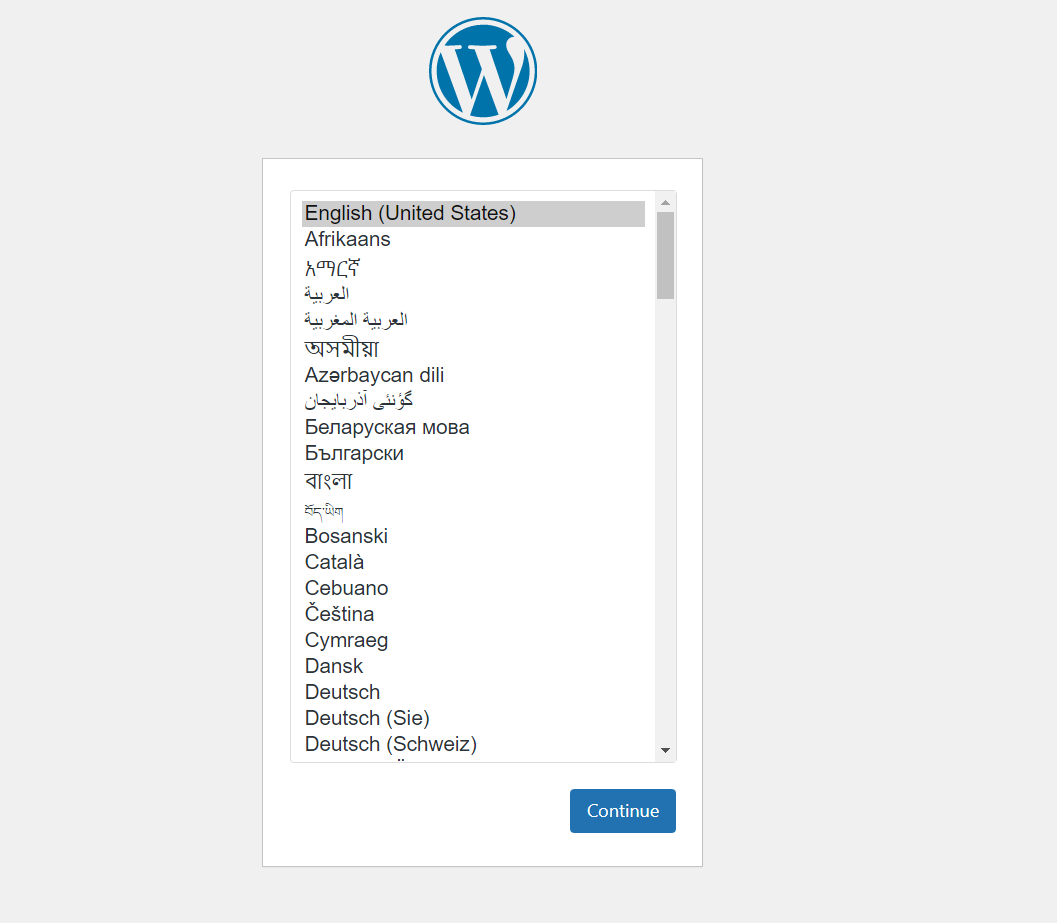
- Open a web browser, enter the public IP address in the address bar and follow the on screen instructions to complete the WordPress setup.
Support
Vendor support
We provide comprehensive support to customers who purchase our Wordpress software. Our support team can be reached clkbatirenov.contact@gmail.com for assistance with setup, troubleshooting, and general inquiries. Support hours are Monday through Friday, from 9 AM to 5 PM. Additionally, users can access our extensive knowledge base and community forums for further resources, tips, and updates.
AWS infrastructure support
AWS Support is a one-on-one, fast-response support channel that is staffed 24x7x365 with experienced and technical support engineers. The service helps customers of all sizes and technical abilities to successfully utilize the products and features provided by Amazon Web Services.
Similar products

This product has charges associated with it for seller support. The WordPress on Ubuntu 20.04 AMI provides a reliable and scalable environment for hosting your WordPress websites in the AWS cloud. Built on the robust Ubuntu 20.04 LTS platform, this AMI offers seamless integration with AWS services, ensuring optimal performance and security. Featuring pre-configured and optimized settings for Apache, MySQL, and PHP, users can quickly launch a fully operational WordPress site with minimal setup time. Ideal for developers, marketers, and businesses, this solution enables rapid deployment of both single and multi-site installations, making it perfect for personal blogs, portfolios, or enterprise-level websites. Benefit from the flexibility of AWS while enjoying the power of WordPress, fully managed in the cloud.

Intuz Wordpress is a pre-configured, ready to run image for running WordPress on Amazon EC2. WordPress is one of the worlds most popular web publishing platforms for building blogs and websites. It can be customised via a wide selection of themes, extensions and plug-ins.

A WordPress publishing platform embedded with pre-configured LAMP, Webmin. You can set up your website in 1 minute. You can edit the apache configuration file visually. You can operate MySQL more conveniently.

This product has charges associated with it for seller support. Deploy WordPress on Ubuntu 24.04 LTS to leverage the latest LTS release of Ubuntu for a secure and robust web hosting environment. This Ubuntu 24.04 AMI comes pre-configured with WordPress, allowing you to set up and manage websites quickly and efficiently. Ubuntu 24.04's enhancements in performance, security, and compatibility ensure that your WordPress sites run smoothly with minimal downtime. Ideal for developers, bloggers, and businesses looking to create scalable and customizable websites, this AMI provides a seamless experience with regular updates and support for the latest WordPress features.

This OLS + Wordpress image is 200+ times faster than a regular WordPress image
Customer reviews
No customer reviews yet
Be the first to review this product . We've partnered with PeerSpot to gather customer feedback. You can share your experience by writing or recording a review, or scheduling a call with a PeerSpot analyst.