
Sold by: cloudimg
Deployed on AWS
Free Trial
AWS Free Tier
This product has charges associated with it for seller support. Launch a fully configured Magento 2.4 storefront in minutes - no manual setup. Unique credentials generated per instance with 24/7 cloudimg expert support included.
Overview
Image
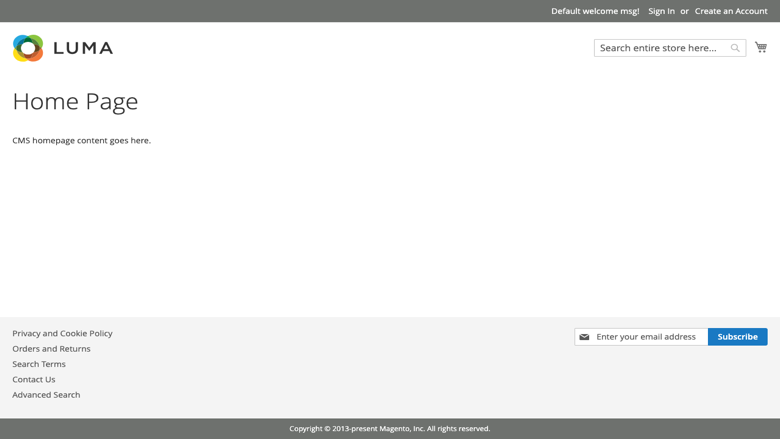
Magento storefront
Image
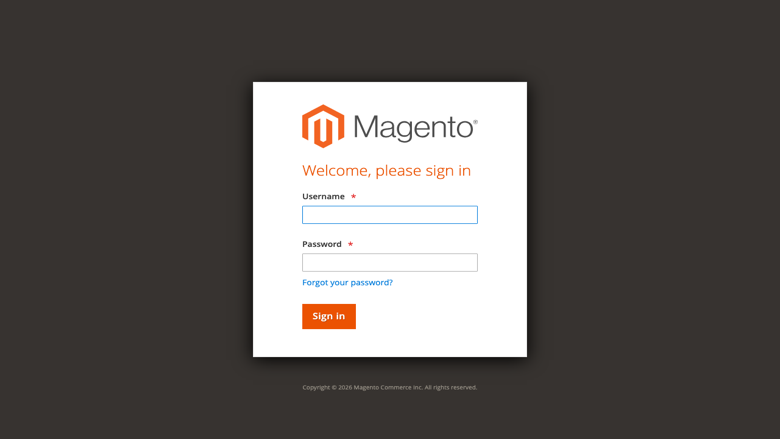
Magento admin sign-in
Image
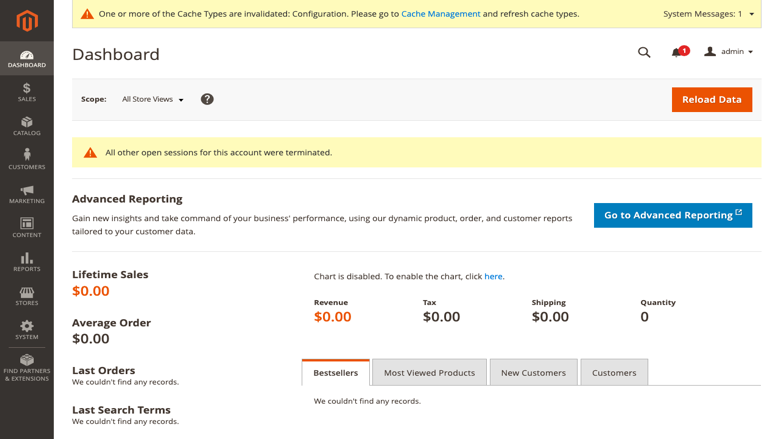
Administrator dashboard
Image
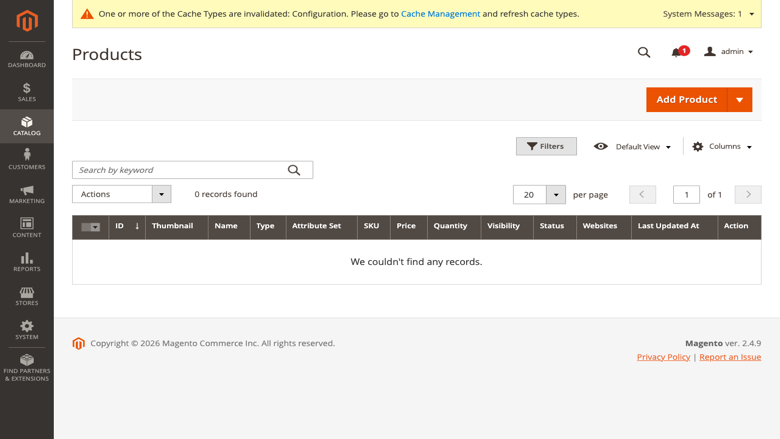
Product catalog
This is a repackaged open source software product wherein additional charges apply for cloudimg support services.
Launch Your E-Commerce Store in Minutes - Not Days
Magento Open Source 2.4 is a powerful, flexible e-commerce platform - but setting it up from scratch demands hours of server configuration, dependency management, and security hardening. This AMI eliminates that complexity entirely. Launch an instance and your storefront is live and ready to accept orders within minutes, not days.
Why This AMI Over Other Magento Images
Zero-configuration deployment - Every component is pre-tuned and integrated. No manual PHP compilation, no database setup, no search engine wiring. Browse to your instance address and the storefront loads immediately.
Unique credentials on every launch - Unlike images that ship with shared or default passwords, this AMI generates fresh MariaDB and Magento administrator passwords on first boot, unique to your instance, stored in a root-only file. This eliminates the credential-reuse risk that plagues many pre-built images.
Production-ready application stack - PHP 8.3 with OPcache for faster page loads, Apache 2 web server, MariaDB database, and OpenSearch powering catalog and storefront search. Composer is preinstalled for ongoing dependency management. Magento's cron lifecycle runs every minute under a system cron entry so indexer, reindex, email, and lifecycle jobs fire automatically.
Security and Hardening
- Fresh, instance-unique database and admin credentials generated at first boot
- Credentials stored in a file readable only by root
- No default or shared passwords ship in the image
- Apache configured and ready for TLS termination via your preferred certificate method
- Compatible with AWS security groups to restrict inbound access to ports 80/443 and SSH
- Supports Amazon EBS encryption for data-at-rest protection
Getting Started
- Launch the AMI from AWS Marketplace on your chosen EC2 instance type
- SSH into the instance and retrieve your unique credentials from the root-only file
- Browse to your instance's public address to see the storefront
- Navigate to /admin and sign in as the administrator
- Build your catalog, configure shipping and payment, and start selling
Magento accepts requests on whatever hostname or IP address you reach it on, so DNS configuration is flexible.
Use Cases
- Direct-to-consumer retail - Fashion brands, electronics retailers, and specialty shops launching online storefronts without infrastructure overhead
- B2B and wholesale portals - Manufacturers and distributors running ordering systems with custom pricing tiers and bulk catalogs
- Multi-store and multi-locale commerce - Businesses operating region-specific storefronts from a single Magento instance, each with localized currency, language, and tax rules
- Headless commerce backends - Development teams using Magento's REST and GraphQL APIs to power custom front-end experiences while relying on Magento for catalog, inventory, and order management
cloudimg Support - 24/7 Expert Assistance
This AMI includes access to cloudimg's technical support team around the clock via email and live chat. Our engineers assist with Magento deployment, upgrades, performance tuning, extension configuration, and database administration. Critical issues receive a one-hour average response time.
Book a free deployment review - Before or after purchase, contact our team to discuss your requirements, recommended instance sizing, and architecture planning for your specific use case.
All product and company names are trademarks or registered trademarks of their respective holders. Use of them does not imply any affiliation with or endorsement by them.
Highlights
- Storefront live in minutes, not days - Magento Open Source 2.4 ships fully installed and configured with PHP 8.3 (OPcache enabled for faster page loads), Apache 2, MariaDB, OpenSearch, and Composer. No manual compilation, no dependency troubleshooting, no database wiring. Launch the instance, retrieve your credentials, and start building your catalog immediately. Cron jobs for indexing, email, and lifecycle tasks run automatically every minute.
- Instance-unique security from first boot - Every launch generates fresh, random MariaDB and Magento administrator passwords stored in a root-only file. No shared or default credentials ever ship in this image, eliminating the credential-reuse vulnerability common in pre-built AMIs. Compatible with Amazon EBS encryption for data at rest and AWS security groups for network-level access control to ports 80, 443, and SSH.
- 24/7 expert Magento support from cloudimg - Technical engineers available around the clock via email and live chat to help with deployment architecture, upgrades, performance tuning, extension configuration, and database administration. Critical issues receive a one-hour average response time. Book a free deployment review to discuss instance sizing and architecture planning for your specific use case.
Details
Sold by
Categories
Delivery method
Delivery option
64-bit (x86) Amazon Machine Image (AMI)
Latest version
Operating system
Ubuntu 24.04
Deployed on AWS
New
Introducing multi-product solutions
You can now purchase comprehensive solutions tailored to use cases and industries.

Features and programs
Financing for AWS Marketplace purchases
AWS Marketplace now accepts line of credit payments through the PNC Vendor Finance program. This program is available to select AWS customers in the US, excluding NV, NC, ND, TN, & VT.

Pricing
Free trial
Try this product free for 7 days according to the free trial terms set by the vendor. Usage-based pricing is in effect for usage beyond the free trial terms. Your free trial gets automatically converted to a paid subscription when the trial ends, but may be canceled any time before that.
Pricing is based on actual usage, with charges varying according to how much you consume. Subscriptions have no end date and may be canceled any time. Alternatively, you can pay upfront for a contract, which typically covers your anticipated usage for the contract duration. Any usage beyond contract will incur additional usage-based costs.
Additional AWS infrastructure costs may apply. Use the AWS Pricing Calculator to estimate your infrastructure costs.
If you are an AWS Free Tier customer with a free plan, you are eligible to subscribe to this offer. You can use free credits to cover the cost of eligible AWS infrastructure. See AWS Free Tier for more details. If you created an AWS account before July 15th, 2025, and qualify for the Legacy AWS Free Tier, Amazon EC2 charges for Micro instances are free for up to 750 hours per month. See Legacy AWS Free Tier for more details.
Dimension | Description | Cost/hour |
|---|---|---|
m5.large Recommended | m5.large | $0.08 |
t2.micro | t2.micro instance type | $0.04 |
t3.micro | t3.micro instance type | $0.04 |
d3.xlarge | d3.xlarge instance type | $0.12 |
c6a.32xlarge | c6a.32xlarge instance type | $0.24 |
g7e.8xlarge | g7e.8xlarge instance type | $0.24 |
r8a.2xlarge | r8a.2xlarge instance type | $0.24 |
i7ie.metal-48xl | i7ie.metal-48xl instance type | $0.24 |
c7i.8xlarge | c7i.8xlarge instance type | $0.24 |
r8i.metal-96xl | r8i.metal-96xl instance type | $0.24 |
Vendor refund policy
Refunds available on request.

Legal
Vendor terms and conditions
Upon subscribing to this product, you must acknowledge and agree to the terms and conditions outlined in the vendor's End User License Agreement (EULA) .
Content disclaimer
Vendors are responsible for their product descriptions and other product content. AWS does not warrant that vendors' product descriptions or other product content are accurate, complete, reliable, current, or error-free.
Delivery details
64-bit (x86) Amazon Machine Image (AMI)
Amazon Machine Image (AMI)
An AMI is a virtual image that provides the information required to launch an instance. Amazon EC2 (Elastic Compute Cloud) instances are virtual servers on which you can run your applications and workloads, offering varying combinations of CPU, memory, storage, and networking resources. You can launch as many instances from as many different AMIs as you need.
Version release notes
Initial release of Magento Open Source 2.4.
Additional details
Usage instructions
Connect via SSH on port 22 as the default login user for your operating system variant (the user guide lists it per variant). Magento is served on port 80. Browse to http://<instance-public-ip>/ for the storefront and http://<instance-public-ip>/admin for the administrator sign-in. Retrieve the generated administrator password with: sudo cat /root/magento-credentials.txt. To enable HTTPS, follow the Let's Encrypt section of the user guide.
Resources
Vendor resources
Support
Vendor support
cloudimg Technical Support
cloudimg provides 24/7 technical support for this Magento Open Source AMI via email and live chat.
What we help with:
- Initial deployment and credential retrieval
- Magento configuration, upgrades, and patch application
- Performance tuning and caching optimization
- Extension installation and configuration
- MariaDB and OpenSearch database administration
- Troubleshooting application errors and server issues
Response times:
Critical issues receive a one-hour average response time. Our engineering team monitors support channels around the clock, including weekends and holidays.
How to reach us:
Email: support@cloudimg.co.uk Live chat: Available 24/7
Deployment review:
Before or after purchase, you can request a free deployment review to discuss recommended EC2 instance sizing for your catalog size and expected traffic, architecture planning, and any custom configuration requirements.
Refunds and billing:
For questions about billing, subscription management, or refund requests, contact our support team via email. We will work with you to resolve any concerns promptly.
All support interactions are handled by engineers with direct Magento and Linux administration experience.
AWS infrastructure support
AWS Support is a one-on-one, fast-response support channel that is staffed 24x7x365 with experienced and technical support engineers. The service helps customers of all sizes and technical abilities to successfully utilize the products and features provided by Amazon Web Services.
Similar products

This product has charges associated with it for seller support. Production-ready LAMP stack for developers and agencies hosting WordPress, e-commerce, or PHP apps on AWS - pre-configured with Apache, MySQL/MariaDB, and PHP with24/7 expert support.

This product has charges associated with it for seller support. Production-ready MySQL AMI with enforced password auth, dedicated data volume, and unique credentials generated per instance. Backed by 24/7 cloudimg support with one-hour response.

This product has charges associated with it for seller support. Deploy a production-ready LAMP stack in minutes with unique per-instance credentials, PHP-FPM, and phpMyAdmin - backed by 24/7 cloudimg support.

This product has charges associated with it, which includes support & maintenance. Production-ready Magento 2 Open Source eCommerce store AMI on Ubuntu 22.04 with Apache, MySQL, and ElasticSearch.

This product has charges associated with it for Websoft9 support. Pre-configured, web-based, cloud-native, secure, one-click to deploy Magento Open Source with Websoft9 Applications Hosting Platform on AWS. Magento is one of the world's most popular ecommerce platforms, and most successful open source projects.

Deploy Magento 2 on standard AWS compute using an NGINX web server. This x86 virtual machine processes high retail traffic flawlessly. It helps growing digital storefronts manage surging shopper volumes without experiencing system lag or complex backend server setup.

Take your on-prem Magento installation into the AWS Cloud. Make your Ecommerce store completely elastic and remove infrastructure capX and management overhead.
Customer reviews
No customer reviews yet
Be the first to review this product . We've partnered with PeerSpot to gather customer feedback. You can share your experience by writing or recording a review, or scheduling a call with a PeerSpot analyst.